If you run a SaaS company, you already know the pressure: customers churn without warning, feature requests pile up, and your roadmap becomes a guessing game. That’s the reason founders, product managers, and agencies keep searching for the best product feedback tools for SaaS that can pull real signals from paying users.
We’ve reviewed more than forty platforms across various SaaS teams, subscription models, and product maturity levels. After weeks of trials, sandbox testing, and workflow analysis, we narrowed the list to the top 20 product feedback tools for SaaS that give teams consistent feedback they can act on.
This list is built for SaaS founders, product owners, customer success leads, and agencies managing several products at once. The goal is simple: help you pick the right feedback stack without wasting cycles on tools that don’t match your workflow.
What are Product Feedback Tools for SaaS?
Product feedback tools for SaaS are platforms that capture, categorise, and interpret user feedback across channels such as NPS, surveys, feature requests, behaviour tracking, session insights, and community inputs. They help teams organise feedback into usable data so product decisions become grounded in user behaviour, not assumptions.
For subscription-based products, structured feedback systems keep you aligned with user expectations, reduce churn, and maintain predictable growth. These tools support prioritisation frameworks such as RICE or value effort scoring, making it easier for product managers to choose what deserves engineering time. SaaS teams also rely on them to monitor user friction points, understand demand patterns, and validate roadmaps.
When choosing one, pay attention to pricing tiers, integrations, feedback capture methods, and analytics strength. SaaS products scale better when their feedback stack supports automation, tagging, and structured routing.
Quick Comparison Table of the Best Product Feedback Tools for SaaS
We compare the best product feedback tools for SaaS below side-by-side:
| Tool | Best For | Starting Price | Free Trial | Key Feature | Rating |
| Canny | Roadmaps | £0 | Yes | Feature voting | 4.7 |
| Sleekplan | SMB SaaS | £12 | Yes | Changelog suite | 4.6 |
| UserVoice | Enterprise | Custom | No | Scaled feedback | 4.5 |
| Pendo | Product teams | £0 | Yes | Behaviour tracking | 4.6 |
| Hotjar | UX insights | £0 | Yes | Heatmaps | 4.7 |
| Survicate | Surveys | £15 | Yes | Multi-channel surveys | 4.6 |
| Qualtrics | Large orgs | Custom | Yes | Research suite | 4.7 |
| Typeform | Simple surveys | £25 | Yes | Conversational forms | 4.6 |
| Productboard | Prioritisation | £17 | Yes | PM workspace | 4.6 |
| UseResponse | Support hubs | £41 | Yes | Omni feedback | 4.4 |
| Feedbackify | Lightweight use | £12 | Yes | Embedded widget | 4.3 |
| Instabug | Mobile apps | £0 | Yes | In-app bug feedback | 4.7 |
| GetFeedback | CX teams | £0 | Yes | Journey feedback | 4.6 |
| Fider | Open-source | Free | No | Self-hosted boards | 4.4 |
| Zonka Feedback | Multi-channel | £29 | Yes | Survey suite | 4.7 |
| Tally | Simple forms | £0 | Yes | Form builder | 4.8 |
| Usersnap | QA feedback | £15 | Yes | Screenshot feedback | 4.7 |
| Mopinion | Web apps | £159 | Yes | On-site feedback | 4.6 |
| Chameleon | Product tours | £0 | Yes | In-app surveys | 4.6 |
| Informizely | Conversion teams | £50 | Yes | Targeted surveys | 4.5 |
Top 20 Product Feedback Tools for SaaS (Full List)
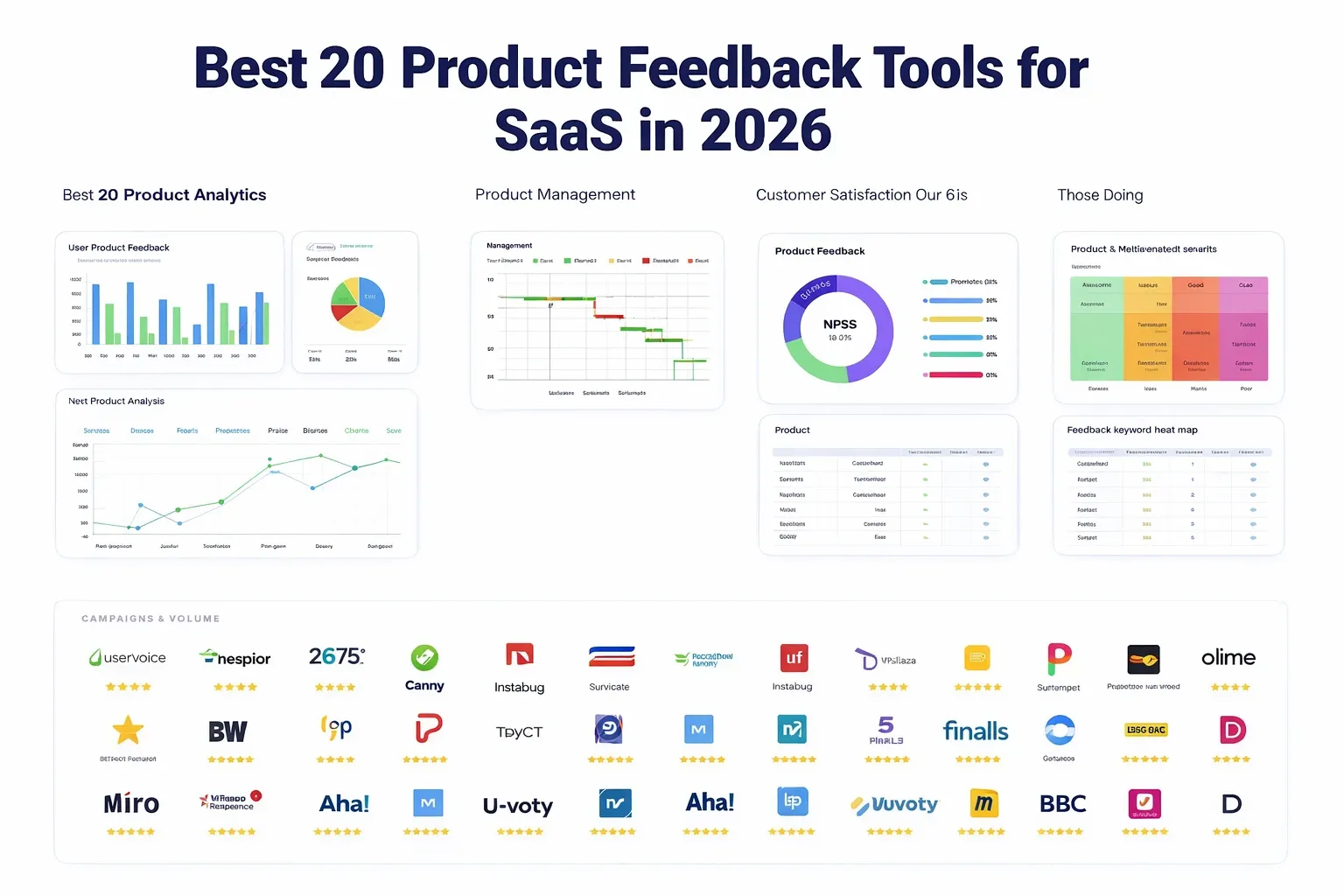
Here are the 20 best product feedback tools ranked across functionality, pricing, survey capability, analytics strength, and roadmap alignment:
- Canny
- Sleekplan
- UserVoice
- Pendo
- Hotjar
- Survicate
- Qualtrics
- Typeform
- Productboard
- UseResponse
- Feedbackify
- Instabug
- GetFeedback
- Fider
- Zonka Feedback
- Tally
- Usersnap
- Mopinion
- Chameleon
- Informizely
1. Canny
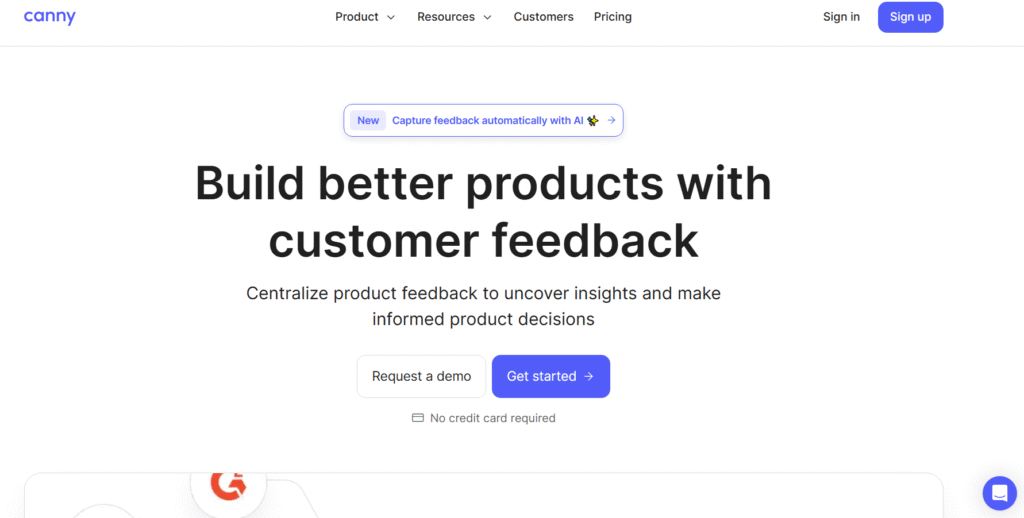
Canny is one of the most recognised product feedback tools for SaaS companies that want a clean, centralised board for feature requests, roadmap visibility, and user voting. Product managers use it to avoid scattered feedback across Slack, support tickets, and spreadsheets. Canny review discussions often highlight its simple workflow, predictable structure, and strong customer-facing roadmap features. It suits both early-stage SaaS teams and mature products with active user communities.
Key Features
Voting Boards
Canny’s voting boards organise feedback into high-clarity user requests. This makes it easier to see which feature ideas gain traction without letting a loud minority skew decisions. Many Canny review notes point out that this helps teams prioritise roadmap items based on genuine user demand.
Public Roadmaps
This feature communicates what the team is working on, what’s planned, and what’s launched. Public roadmaps help reduce repetitive requests from users and give product managers a simple way to keep customers aligned with progress. It also works well for building trust through transparency.
Feedback Segmentation
Canny segments feedback by customer tier, MRR, account type, or custom properties. This gives SaaS teams context around who wants a feature, not just how many people voted. It’s especially helpful when choosing between enterprise-level requests and higher-volume SMB requests.
Changelog Announcements
Canny lets you publish updates through a structured changelog. This keeps users informed about new improvements and closes the loop with anyone who previously requested those updates.
Integrations
Canny integrates with Intercom, Slack, Jira, HubSpot, and more. This allows support, success, and product teams to push feedback into one organised funnel.
Pros & Cons
| Pros | Cons |
| Simple to use | Pricing may stretch small teams |
| Clear public roadmap | Limited UI customisation |
| Good segmentation options | Voting can overrepresent active users |
| Strong integrations | Basic analytics only |
Pricing
- Canny pricing starts at £0 for the free plan.
- The Growth plan typically begins around £70–£80 monthly, depending on team size.
- Enterprise pricing is available on request.
Best For SaaS Teams Prioritising Feature Requests
Canny suits SaaS companies that want a central hub to collect, prioritise, and display feature requests.
Who benefits most:
- Product managers – clear prioritisation based on user demand
- SaaS founders – simple way to track requests at scale
- Customer success teams – faster response to recurring issues
- Early-stage SaaS teams – structured backlog and roadmap clarity
- Growth teams – visibility into what shapes product retention
Verdict:
Use Canny’s segmentation to prioritise feedback based on paid account tiers so your roadmap reflects revenue impacting requests, not noise.
How to Use Canny to Shape an Actionable SaaS Roadmap
A useful approach is connecting Canny to your support inbox so every recurring issue is automatically logged. Add tags such as “onboarding,” “activation friction,” or “enterprise blocker” to reveal patterns that guide roadmap scoring.
Best Alternative
Sleekplan is the closest Canny alternative if you want similar functionality with a lower starting price and built-in NPS.
2. Sleekplan
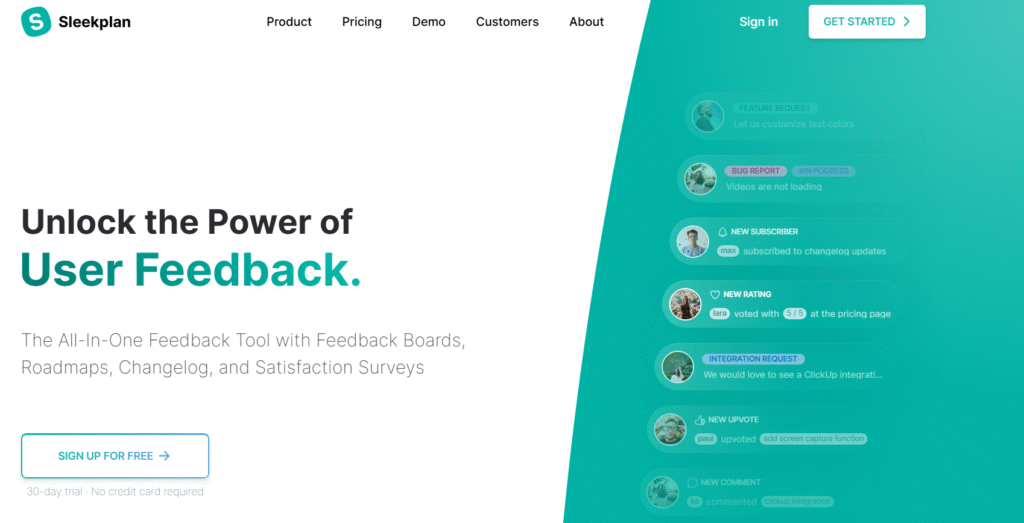
Sleekplan is a practical choice for SaaS teams that want an all-in-one feedback board, roadmap, satisfaction tracking, and update system without a heavy price tag. Many Sleekplan review threads highlight how it offers much of what Canny provides but with added survey functions and a lighter footprint for smaller teams.
Key Features
All-in-One Feedback Hub
Sleekplan combines feature voting, feedback collection, and customer sentiment in one panel. This keeps product feedback structured and prevents teams from juggling multiple apps for surveys, requests, and updates.
NPS and Satisfaction Tracking
Its built-in NPS, CSAT, and CES modules give SaaS teams ongoing sentiment signals. Many Sleekplan review comments value this because it ties product decisions directly to satisfaction trends.
Changelog Feed
Sleekplan allows you to publish product updates, tag them by category, and notify users. This keeps your user base informed and reduces repeated questions about what changed.
Embeddable Widgets
Sleekplan widgets sit inside your web app, letting users send feedback without switching tools. This increases feedback frequency and captures insights while users are in flow.
Team Collaboration
The tool supports tagging, internal notes, and assignments so product, CS, and engineering teams can channel user requests into actionable tasks.
Pros & Cons
| Pros | Cons |
| Affordable for SMB SaaS | Interface less polished than bigger tools |
| Includes NPS and CSAT | Limited enterprise functionality |
| Easy set-up | Analytics are basic |
| Great for lightweight teams | Custom branding is limited on lower tiers |
Pricing
Sleekplan pricing starts at £12 monthly.
Pro and Business tiers scale features like white-labelling and automation.
Best For Lean SaaS Teams Wanting a Budget-Friendly Feedback Stack
Sleekplan suits early-stage SaaS teams and agencies managing several smaller SaaS products.
Who benefits most:
- Bootstrapped SaaS teams – low-cost feedback system
- Agencies – multi-client management
- Product owners – clear prioritisation
- Growth teams – NPS tied to feedback
- CS teams – simple satisfaction measurement
Verdict:
Use Sleekplan’s widget during onboarding to gather friction-based insights early, which reduces activation drop-off.
How to Use Sleekplan for Onboarding Feedback
Trigger in-app questions during first-session milestones to capture user expectations before behaviour patterns solidify.
Best Alternative
Canny is the strongest Sleekplan alternative if you need enterprise-grade feedback boards.
3. UserVoice
UserVoice is designed for larger SaaS companies with high-volume feedback, structured departments, and multiple customer segments. UserVoice review discussions often mention its depth, segmentation, and the way it supports teams that need data-backed prioritisation instead of simple voting.
Key Features
Enterprise Feedback Management
UserVoice collects feedback from sales calls, support tickets, and customer interviews. Large teams prefer it because it eliminates scattered information.
Segmentation and Account-Level Insights
UserVoice tracks which accounts need specific features and assigns revenue values to requests. This matters for enterprise SaaS products where not all features carry equal weight.
Sales and Success Workflows
Its CRM-connected workflow helps sales reps and CS teams log requests during conversations, which improves accuracy and reduces lost insights.
Prioritisation Analytics
UserVoice’s scoring engine combines voting, account revenue, segment weight, and adoption impact to help PMs decide what to build.
Integrations
Connections with Salesforce, Zendesk, Jira, and Slack make it fit naturally into large SaaS environments.
Pros & Cons
| Pros | Cons |
| Strong for enterprise SaaS | Pricing is high |
| Deep segmentation | Longer learning curve |
| Strong account insights | Overkill for small teams |
| Covers multiple departments | No lightweight free tier |
Pricing
UserVoice pricing is custom and typically starts higher than smaller tools.
Best For Enterprise SaaS Managing Large Feedback Volume
UserVoice works best for organisations with structured teams and thousands of user interactions.
Who benefits most:
- Enterprise SaaS PMs – strong data modelling
- Sales leaders – CRM-linked feedback
- Support teams – reliable logging
- CS teams – account-specific insights
- Product leaders – roadmap justification
Verdict:
Build dedicated tagging conventions for sales-originating feedback so you can track what drives enterprise deals.
How to Use UserVoice for Enterprise-Level Prioritisation
Link feedback directly to revenue values to rank features by commercial impact, not noise.
Best Alternative
Productboard is the closest UserVoice alternative for large SaaS teams that want strong prioritisation tools with a modern interface.
4. Pendo
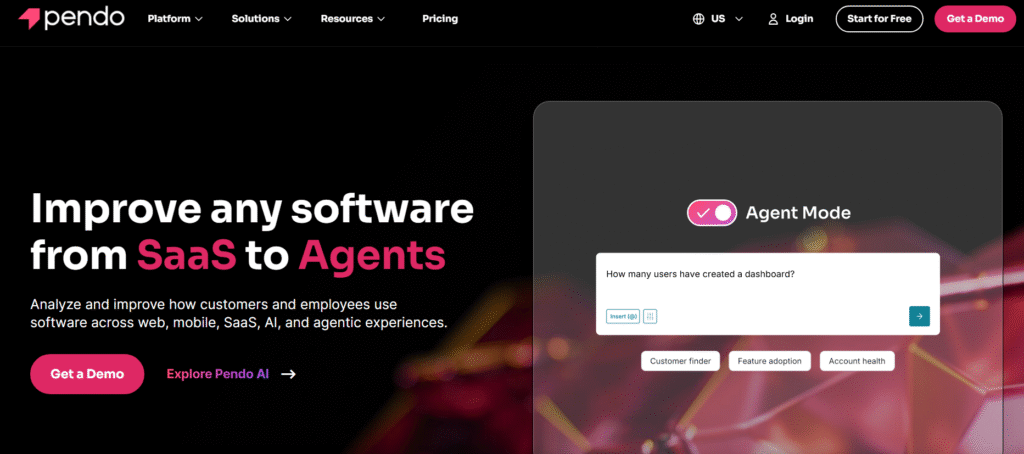
Pendo stands out as a hybrid of product analytics, user behaviour tracking, and in-app feedback. Pendo review notes highlight how its analytics give product teams context that pure feedback boards cannot provide. It’s ideal for mid-market and enterprise SaaS products that rely heavily on in-app engagement.
Key Features
In-App Surveys
Pendo lets you collect user feedback directly inside your SaaS product during key interactions. This reduces friction and captures highly relevant insights.
Behaviour Analytics
With heatmaps, funnels, and usage analytics, Pendo shows how customers interact with specific features. This helps identify friction points and validate roadmap assumptions.
Product Tours
Pendo’s tours guide users through onboarding, increasing clarity and reducing time-to-value. Many Pendo review discussions mention this as a major retention driver.
Segmentation
Teams can break down behaviour by plan, account size, lifecycle stage, or custom attributes. This helps understand what certain cohorts want and how they act.
Integrations
Pendo connects with HubSpot, Segment, Salesforce, and more to keep data flowing across product, CS, and marketing.
Pros & Cons
| Pros | Cons |
| Strong analytics | Pricing unclear for small teams |
| Good survey capabilities | Can be heavy for early-stage SaaS |
| Solid user segmentation | Initial setup takes time |
| Supports onboarding flows | More complex than basic tools |
Pricing
Pendo pricing starts at £0 with limited features.
Paid plans scale based on product size, MAUs, and modules added.
Best For SaaS Teams Requiring Behaviour Data With Feedback
Pendo suits SaaS companies wanting both analytics and structured feedback.
Who benefits most:
- Product analysts – behaviour insights
- Growth teams – activation analysis
- PMs – feedback mixed with usage data
- UX teams – friction mapping
- CS teams – tracking user engagement
Verdict:
Use Pendo’s targeted surveys immediately after feature usage to capture precise reactions without influencing user behaviour.
How to Use Pendo for Activation Improvement
Create triggers for surveys after key onboarding steps to measure clarity and confidence levels.
Best Alternative
Hotjar is a lighter Pendo alternative for teams wanting simpler heatmaps and surveys.
5. Hotjar
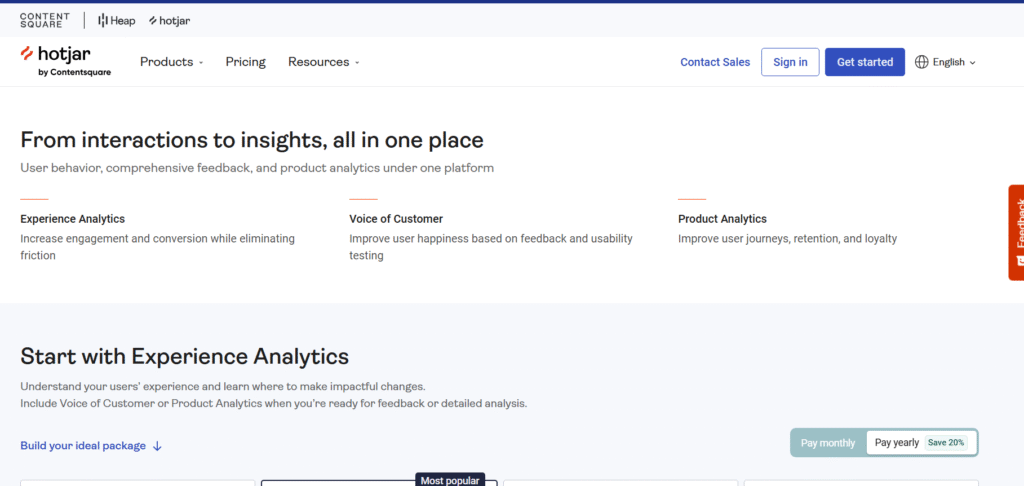
Hotjar is widely used in SaaS for heatmaps, surveys, and session recordings. A Hotjar review often notes how simple it is to install, interpret, and apply. It’s a favourite among SaaS UX teams that want visual behaviour data alongside feedback signals.
Key Features
Heatmaps
Hotjar heatmaps show where users click, scroll, and hover. This reveals friction areas that written feedback alone can’t uncover.
Session Recordings
Watch how users actually experience your SaaS interface. Many Hotjar review notes say this uncovers bugs and friction that analytics data can’t highlight.
On-Site Surveys
Use slide-ins and embedded forms to gather targeted feedback during user sessions. This keeps feedback tied to specific behaviours.
Incoming Feedback Widget
Users can leave ratings and comments on any page of your SaaS product. Teams often rely on this to spot recurring UX issues.
Highlights & Collaboration
Hotjar allows you to save, tag, and share key clips and findings with engineering and design teams.
Pros & Cons
| Pros | Cons |
| Easy setup | Limited roadmap tools |
| Great visual feedback | Not a full PM suite |
| Strong survey function | Heavy usage may slow load time |
| Beginner-friendly | Basic segmentation |
Pricing
Hotjar pricing starts at £0.
Paid tiers grow with traffic volume and advanced features.
Best For SaaS Teams Wanting UX Behaviour Insight
Hotjar suits any SaaS team that wants visual insight into how users interact with the interface.
Who benefits most:
- UX teams – visual metrics
- Product managers – friction detection
- Designers – pattern understanding
- Growth leads – funnel clarity
- Founders – quick validation
Verdict:
Set up surveys on pages with high drop-off to catch friction signals at the exact moment of confusion.
How to Use Hotjar for SaaS Onboarding
Use recordings to watch first-session behaviour and rewrite onboarding flows based on observed friction.
Best Alternative
Pendo is the closest alternative if you want analytics plus feedback.
6. Survicate
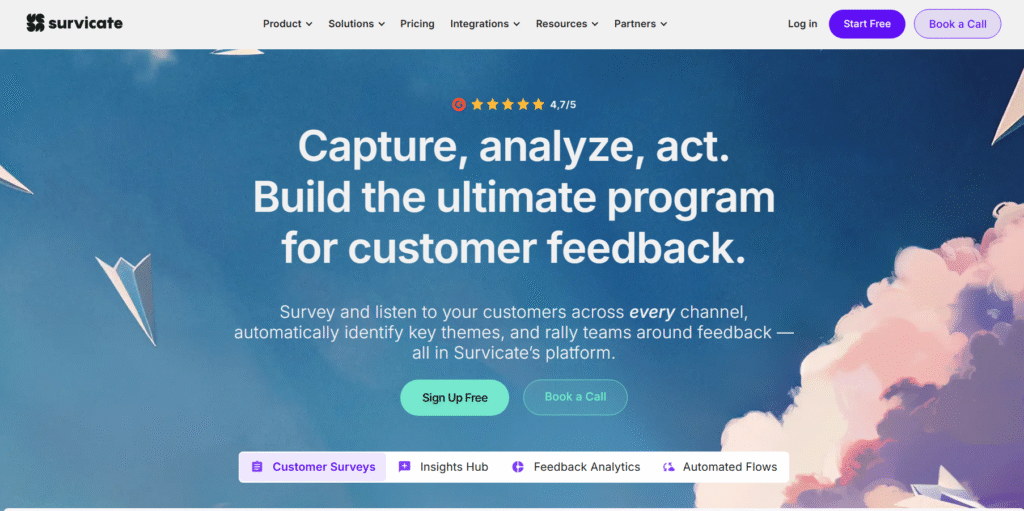
Survicate is widely used by SaaS companies that need flexible surveys across email, in-app, website, and chat. Many Survicate review threads highlight how it gives teams consistent user signals without complex setup. It works well for SaaS teams that rely on structured research and sentiment tracking.
Key Features
Multi-Channel Surveys
Survicate lets you collect feedback through email surveys, web widgets, mobile app prompts, and chat embeds. This ensures you get feedback from active users and dormant customers alike.
NPS, CSAT, and CES Modules
The platform offers quick satisfaction tracking tied to user segments. Survicate review notes often mention how the reporting helps SaaS teams spot retention threats early.
Survey Templates
Survicate includes templates for churn reasons, feature requests, onboarding quality, and more. PMs often use these templates to standardise research across teams.
Targeting Rules
You can trigger surveys based on user actions, URLs, or behaviour. This ensures feedback is captured at the moment it matters.
Integrations
Survicate integrates with Intercom, HubSpot, Slack, Segment, and CRM platforms to keep data centralised.
Pros & Cons
| Pros | Cons |
| Flexible survey options | Some templates feel basic |
| Strong analytics | Advanced triggers require paid plans |
| Quick setup | UI can feel dense |
| Good integrations | Limited custom branding on lower tiers |
Pricing
Survicate pricing starts at £15 monthly for core survey features.
Best For SaaS Teams Running Structured Surveys
Survicate suits product, CX, and research teams needing ongoing customer signals.
Who benefits most:
- SaaS PMs – targeted surveys
- CX teams – satisfaction tracking
- Researchers – structured study workflows
- Growth teams – churn detection
- Founders – actionable customer sentiment
Verdict:
Use web exit-intent surveys to capture abandonment reasons from users who rarely submit feedback voluntarily.
How to Use Survicate for Churn Insights
Trigger an email survey within 24 hours of a cancellation to gather precise reasons without friction.
Best Alternative
Zonka Feedback is a strong Survicate alternative for multi-channel survey management.
7. Qualtrics

Qualtrics is built for organisations that need large-scale research, deep survey logic, and granular analytics. Qualtrics review discussions often emphasise its power for SaaS companies running customer research across multiple touchpoints. It’s one of the most advanced systems for feedback modelling, segmentation, and executive reporting.
Key Features
Advanced Survey Logic
Qualtrics supports conditional routing, logic jumps, branching rules, and complex structures. This is why enterprise SaaS teams use it for detailed product studies.
Predictive Models
It includes predictive scoring that identifies which responses signal churn or dissatisfaction. SaaS companies use these insights to define retention strategies.
Multi-Touchpoint Feedback
Qualtrics gathers signals from email, in-app, call centres, SMS, and embedded widgets. This gives a unified view of product and customer experience.
Dashboard Reporting
Executives appreciate Qualtrics dashboards because they consolidate sentiment, usage patterns, and survey outputs into clean visual summaries.
Integrations
Salesforce, Zendesk, analytics platforms, and CRMs integrate smoothly with Qualtrics.
Pros & Cons
| Pros | Cons |
| Very strong analytics | High cost |
| Enterprise-ready | Overly complex for small teams |
| Deep customisation | Requires training |
| Great for research teams | Slow to configure at scale |
Pricing
Qualtrics pricing is custom and designed for enterprise budgets.
Best For Enterprise SaaS Running Large Research Operations
Qualtrics is ideal for mature organisations with formal UX research and product management processes.
Who benefits most:
- CX leaders – cross-department insights
- Researchers – advanced testing
- Product directors – data modelling
- Enterprise PMs – structured decision workflows
- Strategy teams – customer trend analysis
Verdict:
Use Qualtrics to run longitudinal tracking surveys so you can measure changing user sentiment over months, not weeks.
How to Use Qualtrics for Product Validation
Run split-segment surveys to compare responses from power users vs new sign-ups, highlighting priority gaps.
Best Alternative
Survicate is the leaner alternative for teams that want survey depth without enterprise commitment.
8. Typeform
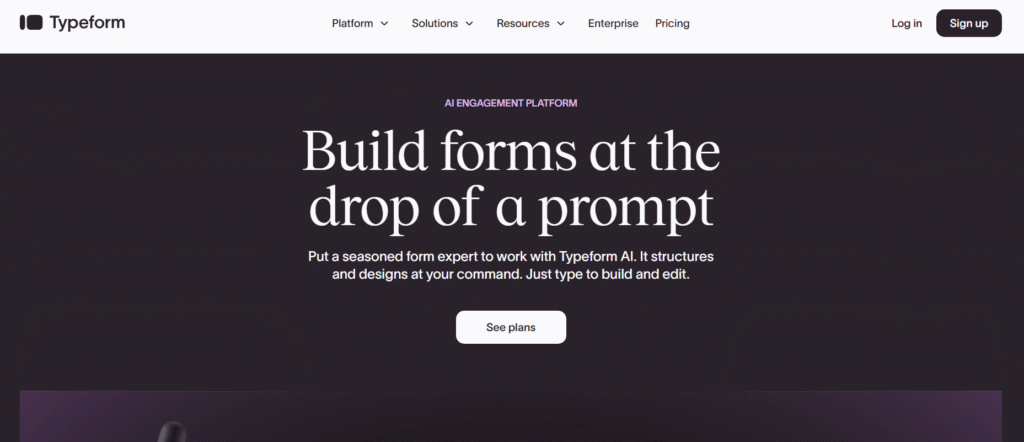
Typeform is known for clean, user-friendly forms that engage respondents more than traditional survey tools. A typical Typeform review notes that completion rates are higher because of its interface. SaaS teams use it to collect qualitative feedback, onboarding insights, and preference data.
Key Features
Conversational Survey Flow
Typeform’s one-question-at-a-time layout feels natural for users. SaaS teams rely on this to increase completion rates for longer surveys.
Custom Logic
Logic jumps allow forms to adapt to the respondent’s answers. Many Typeform review discussions highlight this as essential for personalised research.
Embeddable Forms
You can embed Typeform surveys directly inside product dashboards or landing pages. This works well for collecting onboarding expectations.
Integrations
HubSpot, Zapier, Notion, Slack, and CRM tools integrate easily, improving data flow between product and CS teams.
Multimedia Questions
Typeform supports images and video, which some SaaS companies use to test UI concepts through user feedback.
Pros & Cons
| Pros | Cons |
| Very user friendly | Pricing higher than simple form tools |
| Great for interviews | Limited analytics |
| High completion rates | Not ideal for complex logic workflows |
| Good embeds | Less suited for enterprise research |
Pricing
Typeform pricing starts at £25 monthly.
Best For SaaS Teams Wanting Engaging Survey Experiences
Typeform suits SaaS companies that value user-friendly research over heavy analytics.
Who benefits most:
- Product managers – onboarding questions
- Marketing teams – preference forms
- Founders – simple customer feedback
- Designers – UX concept testing
- Researchers – qualitative analysis
Verdict:
Use Typeform as a pre-feature-release validation form to check demand before engineering commits resources.
How to Use Typeform for Customer Interviews
Build a pre-screening form that qualifies customers for follow-up calls, saving teams manual filtering time.
Best Alternative
Tally is a simple, cheaper alternative for teams wanting clean forms without higher fees.
9. Productboard
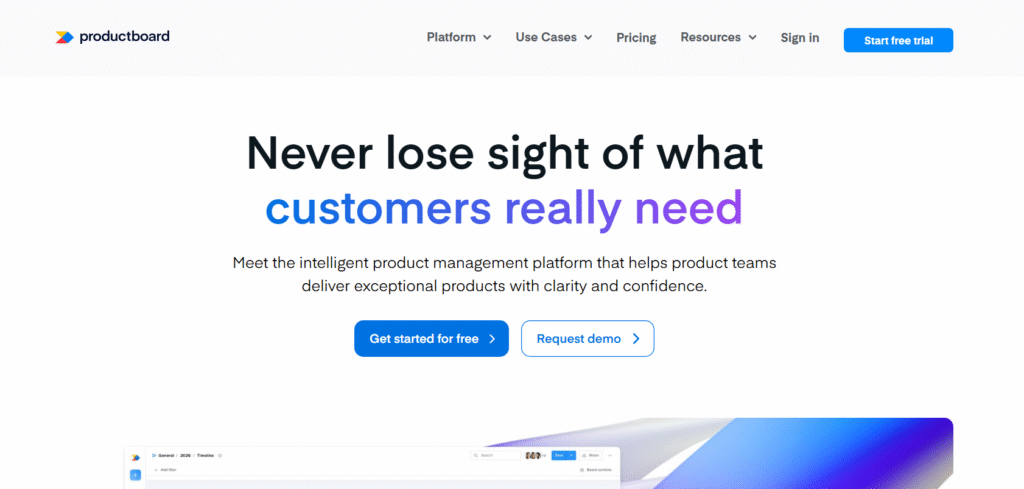
Productboard is a powerful hub for product planning, feature requests, and prioritisation. Many Productboard review conversations highlight how well it supports PM workflows, roadmaps, and cross-team alignment. It’s one of the most structured platforms for SaaS companies wanting data-backed decision frameworks.
Key Features
Centralised Feedback Inbox
Productboard collects feedback from email, support tools, sales notes, and customer conversations. Teams can link insights directly to feature ideas.
Prioritisation Frameworks
RICE scoring and custom frameworks help PMs decide what deserves engineering time. Productboard review notes often praise this clarity.
Roadmaps
Productboard supports multiple roadmap styles for stakeholders, executives, and engineering teams. This helps avoid confusion and keeps priorities clear.
User Segmentation
You can assign importance scores to specific segments, helping SaaS teams prioritise what matters to paying customers.
Integrations
Jira, Slack, Intercom, and Salesforce sync well with Productboard, keeping your product pipeline organised.
Pros & Cons
| Pros | Cons |
| Great for PM teams | Can feel overwhelming |
| Clear prioritisation tools | Higher cost for full features |
| Strong integrations | Learning curve for new PMs |
| Flexible roadmaps | Heavy for small SaaS teams |
Pricing
Productboard pricing starts at £17 monthly per user.
Best For SaaS Teams With Formal PM Processes
Productboard suits teams that want structure, scoring, and roadmap visibility.
Who benefits most:
- PMs – prioritisation clarity
- Product directors – roadmap organisation
- Engineers – clear specifications
- CS teams – documented insights
- Growth teams – validated decisions
Verdict:
Always attach feedback entries to feature ideas to maintain a clean audit trail showing why each feature was chosen.
How to Use Productboard for Roadmap Governance
Create separate roadmaps for internal teams and customer-facing views to avoid misaligned expectations.
Best Alternative
UserVoice is the closest match for enterprise-level product operations.
10. UseResponse
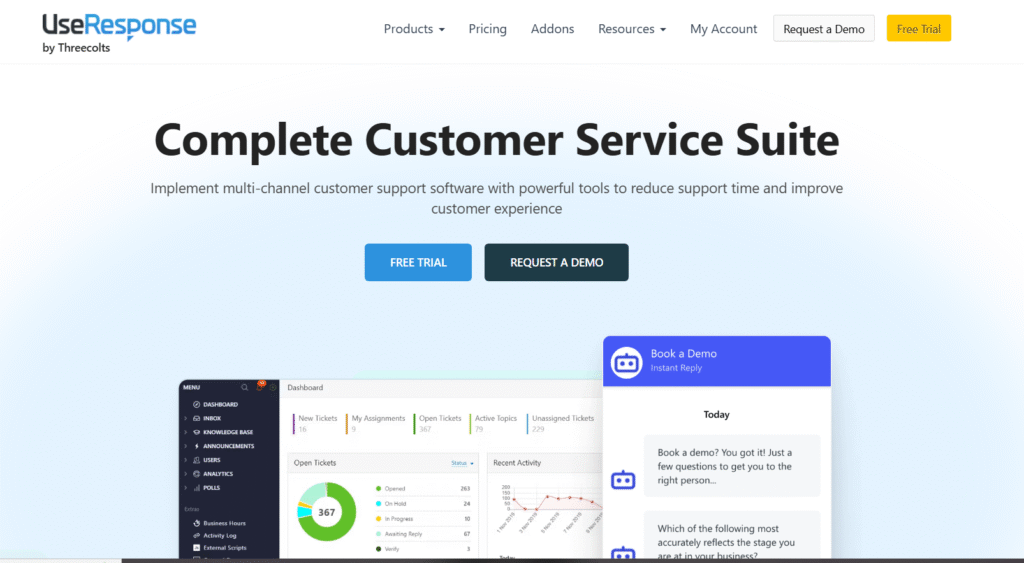
UseResponse combines feedback boards, support ticketing, knowledge base tools, and community forums. A UseResponse review often highlights its modular system, letting SaaS teams build a centralised feedback and support ecosystem.
Key Features
Feedback Boards
UseResponse offers upvote boards similar to Canny but with more flexibility for categorisation and internal routing.
Ticketing System
Its built-in support desk allows teams to manage issues and feedback in one place, reducing tool switching.
Community Forums
SaaS companies use these forums to collect ideas, run discussions, and engage customers more openly.
Knowledge Base Tools
UseResponse includes documentation modules so teams can maintain product guides and FAQs.
Automation Rules
Custom triggers can assign tickets, tag issues, or route feedback to specific departments.
Pros & Cons
| Pros | Cons |
| Multi-tool suite | Interface feels dated |
| Good for support + feedback | Requires setup time |
| Affordable compared to enterprise tools | Limited advanced analytics |
| Flexible modules | Some features feel basic |
Pricing
UseResponse pricing begins at £41 monthly for the cloud version.
Best For SaaS Teams Wanting A Unified Support + Feedback System
UseResponse suits companies needing a centralised feedback and support solution.
Who benefits most:
- CS teams – integrated support desk
- SaaS PMs – clean feedback intake
- Founders – multi-feature package
- Support leads – reduced tool switching
- Internal teams – community-driven engagement
Verdict:
Activate automation rules to convert repeated support issues into structured product feedback so the product team sees patterns early.
How to Use UseResponse for Support-Driven Feedback
Tag recurring tickets and link them to roadmap items to highlight what issues drain team time.
Best Alternative
Zendesk (with add-ons) is the closest alternative for teams seeking a more polished support ecosystem.
11. Feedbackify

Feedbackify is a simple, embedded feedback widget used by SaaS companies that want a low-cost, low-complexity way to collect user feedback directly from their product interface. A Feedbackify review often highlights its ease of installation and the ability to collect quick user reactions without slowing down workflows.
Key Features
In-App Widget
Feedbackify allows users to share comments, issues, and suggestions through a clean in-app widget. This captures insights right when users encounter friction.
Custom Categories
Teams can set up categories such as bugs, suggestions, complaints, or feature ideas, making it easier to sort feedback later.
Screenshot Capture
Users can attach screenshots, giving SaaS teams better context around visual or functional issues.
Analytics Dashboard
A basic dashboard helps teams view incoming feedback, sentiment, and trends without complexity.
Lightweight Script
The widget loads quickly and suits SaaS tools that want minimal performance impact.
Pros & Cons
| Pros | Cons |
| Very easy to install | Not suited for large SaaS teams |
| Low-cost | Limited integrations |
| Great for quick feedback | No advanced prioritisation |
| Non-intrusive widget | Lacks deep analytics |
Pricing
Feedbackify pricing starts at £12 monthly.
Best For SaaS Teams Wanting a Simple Feedback Widget
Feedbackify suits small SaaS products and early-stage startups.
Who benefits most:
- Solo founders – fast setup
- Small SaaS teams – inexpensive feedback option
- Designers – screenshot-based insights
- Developers – quick bug reporting
- Early users – low-friction submissions
Verdict:
Place the widget on core user actions to capture feedback during high-intent moments.
How to Use Feedbackify for Bug Tracking
Activate the screenshot option so users can show UI issues without sending long descriptions.
Best Alternative
Usersnap is the closest alternative for teams needing more structured QA and screenshot tools.
12. Instabug

Instabug is the leading feedback and bug-reporting tool for mobile SaaS applications. Instabug review threads consistently praise its mobile-first approach, deep contextual logs, and fast reporting pipeline. It’s essential for teams maintaining iOS, Android, or cross-platform mobile SaaS products.
Key Features
In-App Bug Reporting
Users shake their phone or tap a floating button to report bugs instantly. This captures device data, logs, and screenshots automatically.
Crash Reporting
Instabug monitors crashes and errors in real time, giving engineering teams exact steps and logs to reproduce issues.
In-App Surveys
Product teams can trigger surveys during key user journeys to gather feedback without breaking flow.
Session Replay
Watch user sessions to understand how bugs or friction occurred, giving full context to engineering and QA teams.
Integrations
Jira, GitHub, GitLab, Slack, and mobile dev tools integrate seamlessly, creating a tight feedback loop.
Pros & Cons
| Pros | Cons |
| Excellent for mobile apps | Pricing can increase quickly |
| Automatic logs and device data | Heavy for simple web apps |
| Great crash reporting | Requires SDK integration |
| Smooth user experience | Setup takes time for new devs |
Pricing
Instabug pricing starts at £0 with limited features.
Paid tiers increase based on sessions and modules.
Best For Mobile SaaS Teams Needing Reliable Bug Reporting
Instabug is ideal for mobile-first SaaS products with frequent releases.
Who benefits most:
- Mobile developers – crash logs
- QA teams – session replay
- PMs – in-app surveys
- Support teams – fast issue reporting
- Growth teams – reduce friction from bugs
Verdict:
Enable session replay to quickly diagnose bugs without waiting for user explanations.
How to Use Instabug for Mobile QA
Trigger surveys after major updates to catch early reactions and stabilise releases.
Best Alternative
Usersnap is a solid alternative for web-based products needing visual feedback.
13. GetFeedback

GetFeedback focuses on helping SaaS companies understand user experience across multiple touchpoints. A GetFeedback review often highlights its strength inside Salesforce ecosystems, making it especially appealing for SaaS companies with sales-led growth models.
Key Features
Journey-Based Surveys
GetFeedback allows surveys to trigger at specific points in the SaaS customer lifecycle, providing more meaningful insights.
Strong Salesforce Integration
This is its biggest draw. Feedback flows directly into Salesforce so teams can view sentiment alongside account health.
Multi-Channel Distribution
Surveys can be sent through email, SMS, websites, and in-app widgets.
Customer Journey Analytics
GetFeedback visualises how different user groups move through product and support touchpoints.
Templates
Templates for churn analysis, onboarding feedback, support experience, and NPS save teams time.
Pros & Cons
| Pros | Cons |
| Strong Salesforce synergy | Less useful if you don’t use Salesforce |
| Good journey mapping | Pricing can rise |
| Flexible survey tools | Limited advanced form logic |
| Good reporting | Not ideal for simple SaaS setups |
Pricing
GetFeedback pricing starts at £0, with paid tiers offering deeper analytics and customisation.
Best For SaaS Teams Using Salesforce
GetFeedback is perfect for revenue-led and sales-led SaaS companies.
Who benefits most:
- Salesforce-based SaaS teams easy integration
- CX leads – journey analysis
- PMs – targeted lifecycle surveys
- CS teams – account sentiment
- Growth leaders – churn indicators
Verdict:
Use account-level data from Salesforce to trigger surveys for high-value customers at decision-critical moments.
How to Use GetFeedback for Renewals
Trigger NPS surveys 45 days before renewal to identify risk early.
Best Alternative
Zonka Feedback is a strong alternative for teams needing multi-channel surveys without Salesforce.
14. Fider
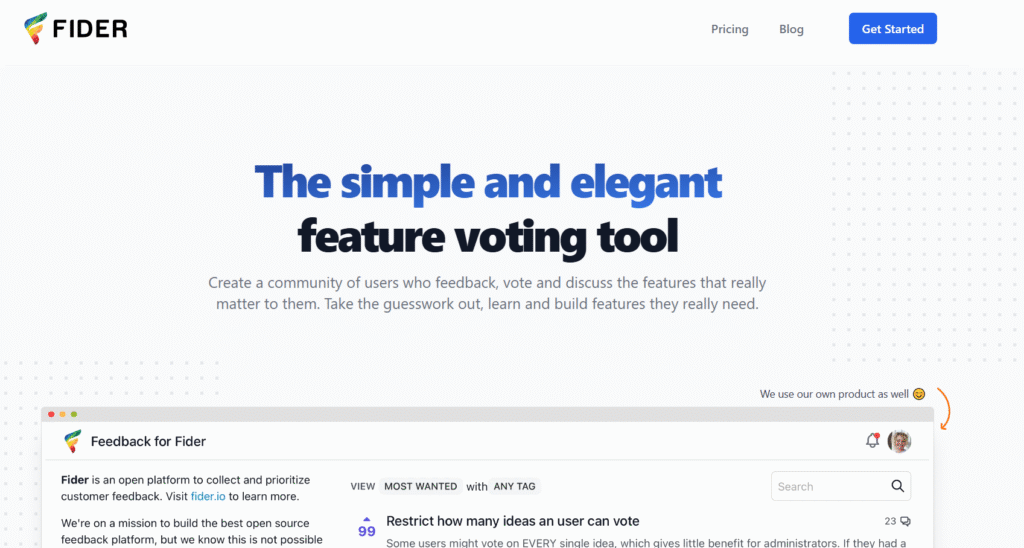
Fider is an open-source feedback board that gives SaaS companies full control over their hosting, data, and custom features. A Fider review often highlights its flexibility and cost savings for technical teams. It suits SaaS companies wanting to self-host and customise without paying recurring fees.
Key Features
Open-Source Platform
Teams can modify the platform, adjust branding, and extend features as needed.
Voting Boards
Fider offers clean feedback boards with voting functionality similar to Canny.
Self-Hosting
You control where the feedback data is stored, which appeals to security-focused SaaS teams.
API Access
The API makes it easy to connect feedback to internal product workflows and engineering tools.
Custom Themes
Teams can tailor the interface to match their product branding.
Pros & Cons
| Pros | Cons |
| Fully customisable | Requires engineering time |
| Free to use | No native integrations |
| Data control | Limited analytics |
| Great for technical teams | No support unless self-managed |
Pricing
Fider is free as an open-source tool.
Self-hosting costs depend on your hosting provider.
Best For Technical SaaS Teams Wanting Open-Source Control
Fider suits engineering-led companies that prefer owning their infrastructure.
Who benefits most:
- Dev teams – code-level control
- Security-focused SaaS – data ownership
- Startups – no subscription costs
- Technical founders – custom workflows
- PMs – clean feedback boards
Verdict:
Deploy custom integrations through the Fider API to create automated prioritisation pipelines.
How to Use Fider for Internal Roadmaps
Create separate access tiers for internal staff vs customers so each group has its own space.
Best Alternative
Canny is the closest alternative for teams preferring a hosted solution with built-in integrations.
15. Zonka Feedback

Zonka Feedback is a SaaS-focused survey and sentiment tool used for churn analysis, onboarding research, customer sentiment, and multi-touchpoint insights. Zonka Feedback review notes often highlight its strength in structured analysis and custom workflows.
Key Features
Multi-Channel Survey Delivery
Zonka Feedback supports email, SMS, web, mobile, and QR-based surveys. SaaS teams use this range to reach both active and inactive customers.
NPS, CSAT, CES
Zonka provides structured satisfaction scoring modules. Many SaaS PMs appreciate how the reporting highlights user groups at risk.
Response Workflows
You can auto-tag, route, and escalate survey responses, which helps teams manage large datasets.
Custom Dashboards
The dashboard lets teams track sentiment trends across user cohorts, product lines, and lifecycle stages.
Integrations
HubSpot, Intercom, Salesforce, and Slack integrate smoothly with Zonka.
Pros & Cons
| Pros | Cons |
| Strong reporting | UI can feel dated |
| Multi-channel surveys | Pricing not ideal for small teams |
| Good automation | Setup requires planning |
| Good segmentation | UX less intuitive than Survicate |
Pricing
Zonka Feedback pricing begins at £29 monthly.
Best For SaaS Teams Wanting Structured Survey Analysis
Zonka suits growth and product teams needing detailed user sentiment reporting.
Who benefits most:
- Product managers – response analysis
- CX teams – satisfaction scoring
- CS teams – churn tracking
- Growth leads – segment insights
- Founders – multi-channel coverage
Verdict:
Use automated workflows to send alerts when NPS drops below a set threshold.
How to Use Zonka for Churn Prediction
Analyse trends over 30-day windows to detect early signs of declining sentiment.
Best Alternative
Survicate is the most direct alternative for teams needing multi-channel feedback with a simpler interface.
16. Tally
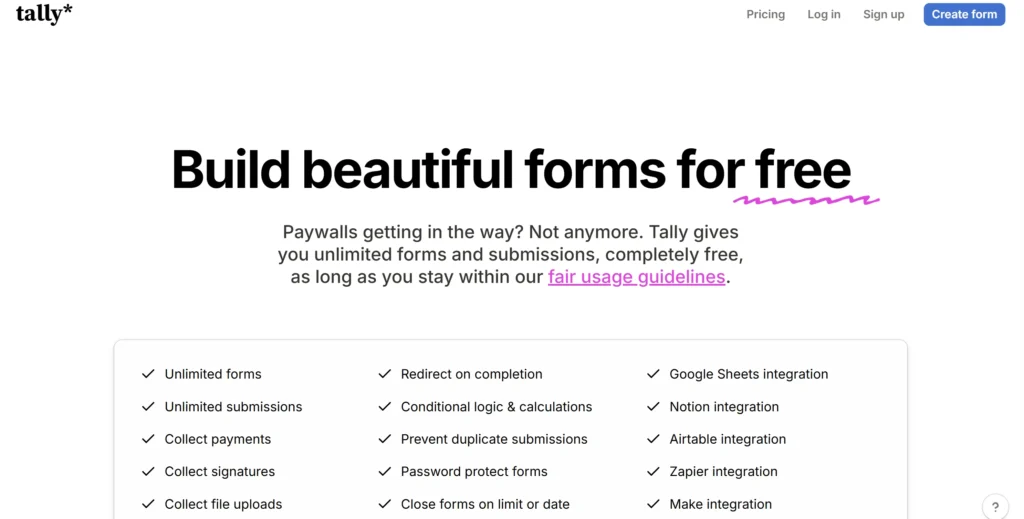
Tally is a clean, lightweight form builder used by SaaS teams that want a quick way to collect user feedback without complicated set-up. A Tally review typically highlights its simplicity, zero learning curve, and generous free tier. It’s ideal for teams that need straightforward forms rather than complex research workflows.
Key Features
Quick Form Builder
Tally uses a Notion-style interface, allowing teams to create surveys in minutes. SaaS PMs often prefer it for simple feature validation or onboarding feedback.
Unlimited Forms
Even on the free plan, you can create unlimited forms, making it suitable for growing teams.
Embed Options
You can embed forms directly in product dashboards or public pages to gather feedback during active use.
Conditional Logic
While basic, Tally includes logic features to personalise user flows.
Integrations
Tally connects with Zapier, Slack, and Notion, enabling lightweight automation.
Pros & Cons
| Pros | Cons |
| Easy to use | Not built for complex studies |
| Generous free tier | Limited analytics |
| Clean embeds | Fewer integrations than larger tools |
| Fast setup | No advanced reporting |
Pricing
Tally pricing starts at £0.
Paid plans unlock branding and advanced features.
Best For SaaS Teams Wanting Simple Feedback Forms
Tally suits early-stage teams and product squads needing straightforward surveys.
Who benefits most:
- Founders – quick validation forms
- PMs – simple onboarding questions
- UX teams – short usability surveys
- Designers – concept feedback
- Agencies – multi-client forms
Verdict:
Use short Tally forms in onboarding to capture early expectations that shape retention.
How to Use Tally for Feature Validation
Send a one-question feature interest form to your power users before planning sprint cycles.
Best Alternative
Typeform is the main alternative for teams wanting more polished survey experiences.
17. Usersnap
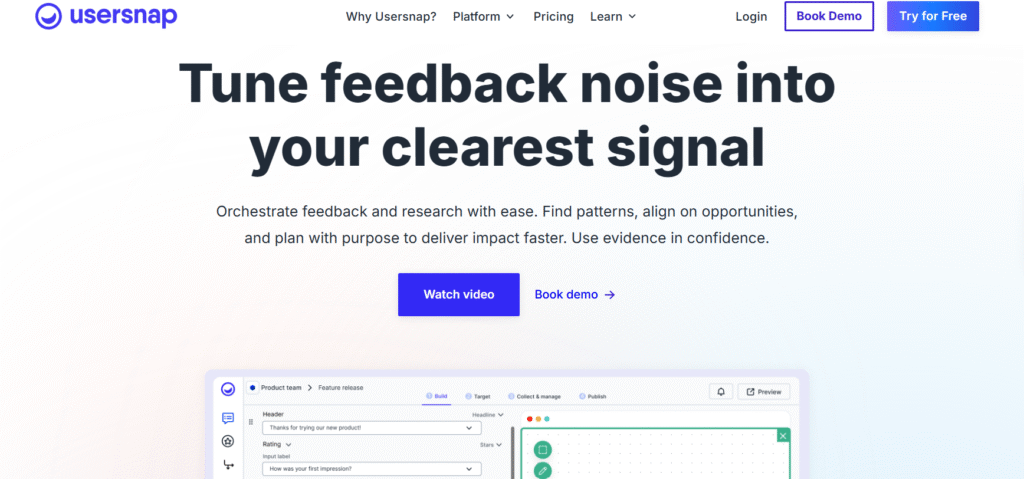
Usersnap is a leading tool for collecting visual feedback, bug reports, and customer insights. A Usersnap review often highlights its screenshot features and workflow automation. It suits SaaS companies where UX clarity and bug reporting are essential.
Key Features
Screenshot Annotations
Users can draw, point, and highlight problems directly on the screen. This is especially helpful for UX teams and QA departments.
Bug Reporting
Usersnap collects browser data, console logs, and device information automatically, giving developers the context needed to resolve issues.
Customer Feedback
You can deploy surveys, NPS requests, and feature suggestion forms inside your app.
Task Routing
Feedback can be routed to Jira, Trello, GitHub, Slack, and other tools your engineers and PMs use.
Session Tracking
Some plans include session insights, helping teams understand behaviour behind issues.
Pros & Cons
| Pros | Cons |
| Great for visual feedback | Higher cost for full suite |
| Useful for QA teams | Setup requires planning |
| Strong integrations | Not ideal for massive enterprise studies |
| Good internal feedback tool | No advanced research logic |
Pricing
Usersnap pricing begins at £15 monthly.
Best For SaaS Teams Needing Visual Feedback and QA Support
Usersnap works best for product, design, and engineering teams.
Who benefits most:
- QA testers – visual bug reports
- Developers – logs & screenshots
- Designers – annotated UI feedback
- PMs – quick insight collection
- CS teams – fast issue identification
Verdict:
Add Usersnap to staging and production versions of your SaaS so teams can capture issues at both levels.
How to Use Usersnap for Internal QA
Attach Usersnap to sprint releases to collect immediate QA feedback before public launch.
Best Alternative
Instabug is the closest match for mobile-first teams.
18. Mopinion
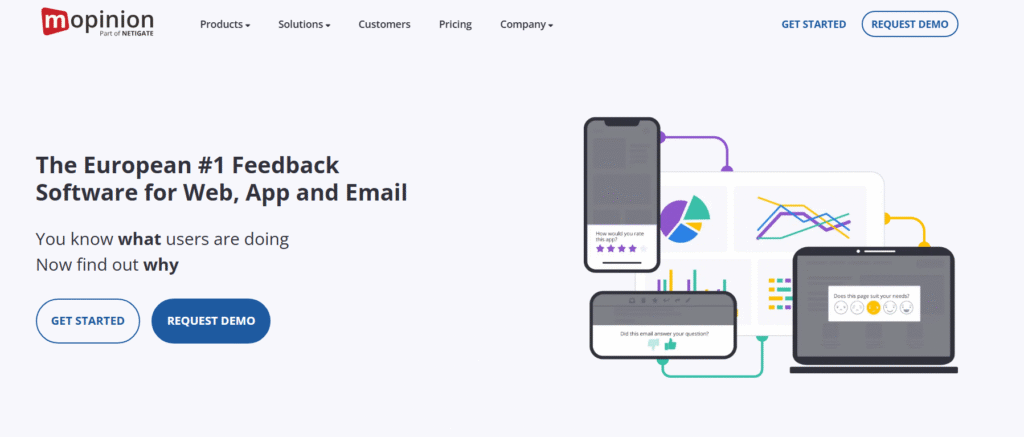
Mopinion focuses on targeted in-app and on-site feedback collection. Mopinion review threads highlight its strength in conversion analysis and funnel-specific feedback. It’s used by SaaS teams that want structured insights tied to user behaviour.
Key Features
Targeted Feedback Widgets
Mopinion allows teams to set triggers for specific interactions, pages, or segments. This is helpful for identifying issues in complex SaaS flows.
Text Analytics
Mopinion uses NLP to categorise themes and sentiment, giving teams clarity when dealing with large volumes of feedback.
Custom Dashboards
Teams can build dashboards for product, UX, support, or marketing, making cross-team collaboration easier.
Funnel Feedback
Mopinion maps feedback to specific funnel stages, helping teams understand where conversions drop.
Integrations
Slack, Jira, Google Analytics, and CRM platforms connect easily.
Pros & Cons
| Pros | Cons |
| Great for conversion-focused teams | High entry price |
| Targeted in-app feedback | Complex setup |
| Strong analytics | Less suited for small teams |
| Good reporting | Heavy for simple products |
Pricing
Mopinion pricing starts at £159 monthly.
Best For SaaS Teams Focused on Conversion and UX
Mopinion suits SaaS companies needing granular funnel feedback.
Who benefits most:
- UX teams – targeted signals
- Growth leads – conversion drop-off insights
- PMs – behaviour-based feedback
- Support teams – friction detection
- Designers – page-level insights
Verdict:
Use targeted triggers on onboarding screens to identify unclear steps reducing activation.
How to Use Mopinion for Funnel Analysis
Show surveys only on steps with high drop-off to capture precise explanations.
Best Alternative
Hotjar is a lighter alternative for teams wanting behaviour insights at a lower cost.
19. Chameleon
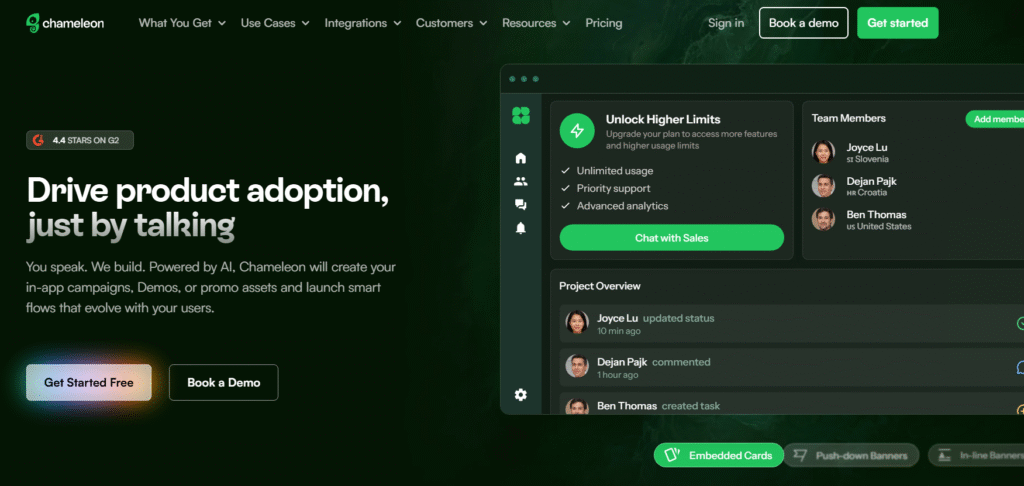
Chameleon is known for its product tours, in-app surveys, and user onboarding tools. A Chameleon review typically praises its ability to shape first-time use experiences and gather structured in-app feedback.
Key Features
Product Tours
Chameleon lets teams build guided tours without code. These tours reduce onboarding friction and improve user understanding.
In-App Surveys
Collect feedback at exact moments of interaction, helping PMs understand what works and what confuses users.
Tooltips & Banners
Add contextual information inside your SaaS product to help users reach value faster.
Segmentation
Chameleon’s targeting lets you display tours or surveys based on plan, behaviour, or stage.
Integrations
HubSpot, Segment, Amplitude, and analytics tools integrate easily.
Pros & Cons
| Pros | Cons |
| Great onboarding tools | Pricing grows with users |
| Flexible targeting | Not a full research suite |
| Smooth UI | Setup takes time |
| Good survey options | Less ideal for large-scale studies |
Pricing
Chameleon pricing starts at £0, with paid plans for additional features.
Best For SaaS Teams Improving Onboarding
Chameleon works best for activation-focused teams.
Who benefits most:
- Product managers – onboarding clarity
- Growth teams – activation analysis
- UX designers – tooltip deployment
- Founders – first-session improvements
- Support teams – fewer onboarding-related tickets
Verdict:
Use micro-surveys after each step of your onboarding tour to measure clarity and drop-off reasons.
How to Use Chameleon for Activation Gains
Trigger tours only for new users with low completion rates to guide them through key features.
Best Alternative
Pendo is the closest alternative for teams wanting analytics and in-app surveys together.
20. Informizely
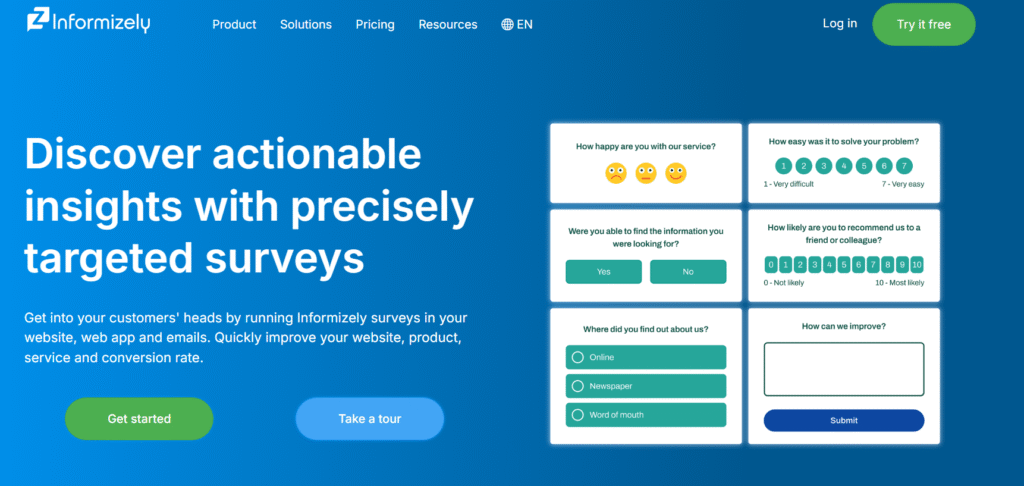
Informizely offers targeted pop-up surveys, website feedback forms, and in-app questions tailored for SaaS conversion and user research. An Informizely review often highlights its flexible targeting engine and clarity in reporting.
Key Features
Targeted Pop-Up Surveys
You can trigger surveys based on URL rules, behaviour patterns, or user attributes.
Website and In-App Feedback
Informizely helps SaaS teams collect insights on landing pages, dashboard screens, and onboarding flows.
Exit Intent
Surveys appear when users attempt to leave, giving clarity on hesitation points.
A/B Feedback Tests
Run survey variations to compare user responses across segments.
Integrations
Slack, Google Analytics, and CRM tools connect via native and Zapier integrations.
Pros & Cons
| Pros | Cons |
| Strong targeting rules | Limited deep analytics |
| Great for conversion research | UI feels older |
| Good exit-intent tools | Fewer integrations than bigger tools |
| Quick setup | Basic reporting |
Pricing
Informizelypricing starts at £50 monthly.
Best For SaaS Teams Running Conversion Surveys
Informizely suits teams needing targeted feedback tied to behaviour.
Who benefits most:
- Growth teams – conversion research
- UX teams – friction insights
- PMs – behaviour-triggered surveys
- Marketing teams – landing page feedback
- Founders – clear intent signals
Verdict:
Use exit-intent surveys on onboarding screens to catch users who leave before completing setup.
How to Use Informizely for Intent Insights
Run targeted surveys for users who view pricing pages more than twice to capture hesitation factors.
Best Alternative
Mopinion is the closest alternative for teams needing deep targeting with advanced reporting.
Wrap-Up
These 20 best product feedback tools for SaaS give teams clear insights, structured data, and predictable workflows that keep products aligned with user needs. Whether you’re running an early-stage tool or managing a scaled SaaS with multiple cohorts, the right feedback stack helps you prioritise what genuinely matters to your users. Pick one that matches your goals, audit your current feedback loop, and run a quick test cycle this week to see what insights your team has been missing.
We Can Help
At Pearl Lemon Experiences, we work with SaaS companies that want a feedback system that actually informs product decisions, aligns teams, and improves user satisfaction. We shape customer research workflows, create structured feedback loops, and set up systems that keep your product team focused on signals instead of noise.
Whether you’re working on retention, onboarding clarity, or feature direction, our work ensures your team always knows what users want and why it matters.
Schedule a consultation and see how our user research approach brings clarity to your product roadmap.
Frequently Asked Questions
1. What makes a product feedback tool essential for SaaS?
SaaS teams depend on recurring revenue, so understanding sentiment, friction, and feature demand is key to reducing churn. A feedback tool centralises insights and makes them actionable.
2. How do I choose the right SaaS feedback tool?
Choose based on survey capability, integrations, analytics strength, and the scale of your product. For small teams, simple tools work. For enterprise SaaS, structured tools are needed.
3. Should SaaS teams rely on surveys or behaviour analytics?
You need both, surveys capture sentiment, behaviour tools show what users actually do. Combining both leads to stronger decisions.
4. How often should feedback be collected?
Continuously, triggered surveys, passive widgets, and periodic sentiment checks provide a steady flow of insights.
5. Do feedback tools reduce churn?
Yes, UserIQ data shows companies with structured feedback loops see lower churn rates because they respond to issues faster.
6. Which tool works best for onboarding research?
Pendo, Survicate, and Chameleon are commonly used for onboarding because they collect in-app signals tied to activation.
7. Are feedback tools enough to improve a SaaS product?
Tools provide data, but teams must analyse, prioritise, and take action through product operations. This is where we support clients.
8. What’s the best way to organise feature requests?
Use prioritisation frameworks such as RICE, along with segmentation by MRR, account type, and user behaviour to avoid skewed decisions.
9. Can feedback tools integrate with engineering workflows?
Yes, most tools integrate with Jira, GitHub, and project management tools to turn insights into sprint-ready items.
10. How does Pearl Lemon Experience support SaaS feedback systems?
We design research workflows, create segmentation logic, enable automated capture points, and train product teams to act on signals quickly.