If you ship software, you already know this problem.Users churn quietly. Feature requests arrive late. Bugs get reported on social media instead of inside your product. That is exactly why in-app feedback platforms matter.
We reviewed dozens of in-app feedback platforms used by SaaS teams, mobile app publishers, and product-led businesses. After filtering out tools that look good on landing pages but fail in live environments, we narrowed it down to the platforms teams rely on for continuous product feedback.
This list is built for product managers, SaaS founders, UX teams, and increases leads who want feedback at the moment of intent, not weeks later in a survey email.
You will see how each in-app feedback platform handles user context, response quality, and feedback routing, because those are the factors that separate useful feedback from noise.
What Are In-App Feedback Platforms?
In-app feedback platforms are tools that collect user input directly inside a web or mobile application while users are actively using the product.
Instead of waiting for support tickets or NPS emails, these platforms capture:
- Bug reports with screenshots and device data
- Feature requests tied to user actions
- Micro surveys triggered by behaviour
- Session-level context for product decisions
For product teams, in-app feedback platforms shorten the feedback loop. For users, they remove friction. For businesses, they reduce churn caused by silent frustration.
Quick Comparison Table of 20 In-App Feedback Platforms
The columns below focus on what product teams usually care about when shortlisting in-app feedback platforms: use case fit, pricing entry point, trial access, and the core feedback mechanism.
| Tool | Best For | Starting Price | Free Trial | Core Feedback Type |
| Instabug | Mobile apps | Paid | Yes | Bug reports |
| Userpilot | SaaS onboarding | Paid | Yes | Behaviour prompts |
| Pendo | Product teams | Paid | Yes | Surveys |
| Hotjar | UX research | Free tier | Yes | Heatmaps |
| Qualtrics | Enterprise | Custom | Yes | Surveys |
| Usersnap | Visual feedback | Paid | Yes | Screenshots |
| Canny | Feature requests | Paid | Yes | Voting boards |
| Survicate | In-app surveys | Paid | Yes | Micro surveys |
| Mopinion | Digital products | Paid | Yes | Feedback forms |
| Feedier | Customer feedback | Paid | Yes | Interactive forms |
| UserVoice | Product planning | Paid | Yes | Idea management |
| Apptentive | Mobile engagement | Paid | Yes | In-app prompts |
| Instafeedback | Lightweight apps | Low cost | Yes | Simple forms |
| Refiner | SaaS feedback | Paid | Yes | Targeted surveys |
| GetFeedback | CX teams | Paid | Yes | Surveys |
| Zonka Feedback | CX analytics | Paid | Yes | Multi-channel |
| ClickUp Forms | Internal tools | Free tier | Yes | Form feedback |
| Typeform | Flexible forms | Free tier | Yes | Embedded forms |
| SurveyMonkey | General surveys | Free tier | Yes | Surveys |
| Qualaroo | Behaviour targeting | Paid | Yes | Nudge surveys |
Full List of In-App Feedback Platforms
Below is the complete list of the best in-app feedback platforms covered in this guide. Each one serves a slightly different product feedback use case.
- Instabug
- Userpilot
- Pendo
- Hotjar
- Qualtrics
- Usersnap
- Canny
- Survicate
- Mopinion
- Feedier
- UserVoice
- Apptentive
- Instafeedback
- Refiner
- GetFeedback
- Zonka Feedback
- ClickUp Forms
- Typeform
- SurveyMonkey
- Qualaroo
1.Instabug
Instabug is widely used by mobile-first teams that need high-quality bug reports and contextual user feedback without back-and-forth.
Summary
Instabug focuses on in-app feedback for mobile applications, with SDKs for iOS, Android, Flutter, and React Native. Product teams use it to capture bugs, feature requests, and in-app surveys tied to exact user sessions.
If your product lives primarily on mobile, this in-app feedback platform is often the first tool teams shortlist.
Key Features
Instabug’s features are designed to remove ambiguity from mobile feedback. Every submission includes technical context, helping teams understand what happened without chasing users for clarification.
Bug Reporting With Context
Users can report issues directly inside the app while Instabug automatically attaches device type, OS version, logs, and network data. This saves hours of follow-up questions and speeds up fixes.
In-App Surveys
Trigger short surveys based on screens, actions, or app versions. Feedback arrives while users are still engaged, which improves response quality compared to email surveys.
Session Replay
Product and QA teams can watch what happened before feedback was submitted. This makes it easier to reproduce issues without guessing user steps.
Feature Requests Board
Users can submit and vote on ideas inside the app. This keeps feedback centralised and reduces duplicate requests sent to support.
Integrations With Dev Tools
Instabug connects with Jira, GitHub, and Slack, allowing feedback to flow straight into existing workflows.
Pros & Cons
| Pros | Cons |
| Strong mobile focus | Not ideal for web-only |
| Rich bug data | Pricing scales quickly |
| Easy SDK setup | Limited design control |
Pricing
Instabug pricing starts on a per-app basis with tiers depending on monthly active users and features selected. A free trial is available.
Best For Mobile App Teams Shipping Weekly Updates
Instabug fits teams that release frequent updates and need clear bug reports without manual triage.
- Mobile product managers – clearer issue reproduction
- QA teams – fewer back-and-forth tickets
- Developers – faster debugging cycles
Verdict: If mobile apps are your core product, Instabug remains one of the most reliable in-app feedback platforms available.
Practical Tip
Use Instabug surveys after feature releases to capture early sentiment before app store reviews appear.
Best Alternative Tool
Userpilot for web-first SaaS products.
2. Userpilot
In-app feedback and onboarding for SaaS products
Userpilot is used by SaaS teams that want feedback tied directly to how users behave inside the product. Instead of generic surveys, it focuses on feedback triggered by real usage patterns.
Summary
Userpilot combines in-app feedback with onboarding and adoption tracking. Product teams use it to understand where users struggle, abandon features, or hesitate during key workflows. Feedback is collected inside the app, while users are still engaged, which improves clarity and response quality.
Among in-app feedback platforms for SaaS, Userpilot is often chosen when product adoption and retention are closely linked.
Key Features
Userpilot’s core features are built around timing and context. Feedback is shown only when specific conditions are met, ensuring users are not interrupted randomly and responses remain relevant to actual product usage.
Behaviour-Based In-App Surveys
Userpilot allows teams to trigger feedback based on actions such as feature usage, page visits, inactivity, or completion of key events. This keeps feedback requests appear when users have just experienced something meaningful, leading to more accurate responses.
No-Code Feedback Widgets
Feedback forms, polls, and surveys can be launched without developer input. Product managers can adjust copy, targeting rules, and placement directly from the dashboard, keeping iteration cycles short.
User Segmentation
Responses can be segmented by plan, role, lifecycle stage, or usage level. This helps teams separate feedback from new users, power users, and at-risk accounts without manual sorting.
Feature Adoption Tracking
Userpilot connects survey responses to feature usage data. Teams can identify whether feedback relates to confusion, lack of awareness, or friction inside specific workflows.
Integrations With Product Tools
Userpilot integrates with tools such as Segment, Intercom, and analytics platforms, allowing feedback data to flow into existing product and customer success processes.
Pros & Cons
| Pros | Cons |
| Strong SaaS focus | No mobile SDK |
| No-code setup | Web apps only |
| Behaviour targeting | Pricing not entry-level |
Pricing
Userpilot pricing is based on monthly active users, with paid plans available after a free trial. Costs increase as usage grows, which suits scaling SaaS products.
Best For SaaS Teams Focused on Feature Adoption
Userpilot works best for teams that want feedback connected directly to how users interact with features.
- Product managers – feedback linked to usage patterns
- Increase teams – visibility into friction points
- Customer success teams – targeted questions by segment
Verdict: For SaaS products where adoption affects retention, Userpilot remains a strong in-app feedback platform.
Practical Tip
Trigger feedback immediately after a user completes or abandons a core action to identify friction before it shows up as churn.
Best Alternative Tool
Pendo for teams that want feedback combined with deeper product analytics.
3. Pendo
Pendo is used by product teams that want feedback connected directly to feature usage, onboarding progress, and long-term adoption trends.
Summary
Pendo brings together in-app feedback and product usage visibility in one platform. It allows teams to see not only what users say, but also how they interact with the product before and after submitting feedback.
Among enterprise-focused in-app feedback platforms, Pendo is often chosen by teams that want feedback supported by usage data rather than standalone survey responses.
Key Features
Pendo’s features centre on linking feedback with behavioural context. Instead of treating feedback as isolated input, the platform connects responses to feature usage, user segments, and historical interaction patterns.
In-App Polls and Surveys
Pendo enables teams to run short polls and surveys inside the product. These can be targeted by user role, account size, or feature usage, ensuring questions reach the right audience.
Usage-Based Targeting
Feedback can be triggered based on how often users interact with specific features. This helps teams collect input from users who have real experience, not just casual visitors.
Feature Adoption Tracking
Pendo tracks which features users adopt, ignore, or abandon. When paired with feedback, this helps teams understand whether issues relate to usability, awareness, or perceived value.
User Segmentation
Teams can segment feedback by role, account type, or behaviour. This keeps responses organised and avoids mixing feedback from very different user groups.
Reporting and Dashboards
Pendo provides visual dashboards that combine feedback responses with usage data. Product managers can review trends without exporting data into separate tools.
Pros & Cons
| Pros | Cons |
| Feedback tied to usage | Higher pricing tiers |
| Strong reporting | Setup takes time |
| Enterprise-ready | Overkill for small teams |
Pricing
Pendo pricing is offered on a subscription basis and varies by product usage and feature access. A free plan exists with limited functionality, while advanced feedback tools sit in paid tiers.
Best For Product Teams Needing Feedback With Context
Pendo fits organisations that want feedback supported by behavioural data rather than isolated opinions.
- Product leaders – visibility into adoption gaps
- UX teams – feedback tied to actual usage
- Large SaaS teams – structured segmentation
Verdict: If your team needs in-app feedback supported by usage data at scale, Pendo remains a strong option.
Practical Tip
Use Pendo surveys only with users who have used a feature multiple times to avoid feedback based on first impressions alone.
Best Alternative Tool
Userpilot for teams that want lighter-weight in-app feedback without deep analytics overhead.
4. Hotjar
Hotjar is widely used by product and UX teams that want in-app feedback paired with visual behaviour signals such as clicks, scroll depth, and session recordings.
Summary
Hotjar focuses on understanding user behaviour alongside direct feedback. Instead of relying only on survey responses, teams can see where users hesitate, rage-click, or abandon pages, then collect in-app feedback to understand why.
Among in-app feedback platforms, Hotjar is often chosen when qualitative insight matters as much as written responses.
Key Features
Hotjar’s features are designed to capture user sentiment while showing exactly what users did inside the product. This combination helps teams interpret feedback without relying on assumptions.
On-Site Feedback Widgets
Hotjar provides feedback widgets that appear directly inside web apps. Users can rate experiences, answer short questions, or leave comments without leaving the interface.
Incoming Feedback Dashboard
All feedback responses are stored in a central dashboard. Teams can filter responses by page, device type, or sentiment, making patterns easier to identify.
Heatmaps
Heatmaps show where users click, scroll, and pause. When paired with feedback, teams can link negative responses to specific interface elements.
Session Recordings
Session recordings allow teams to watch anonymised user sessions. This helps confirm whether feedback relates to confusion, friction, or unexpected behaviour.
Behaviour-Based Triggers
Feedback widgets can be shown based on page visits, time on page, or exit intent. This keeps feedback prompts relevant rather than disruptive.
Pros & Cons
| Pros | Cons |
| Visual behaviour insight | Web-only focus |
| Free entry plan | Limited targeting |
| Quick setup | Not built for mobile apps |
Pricing
Hotjar offers a free plan with usage limits. Paid plans increase the number of recordings, heatmaps, and feedback responses available each month.
Best For UX Teams Improving Web Experiences
Hotjar suits teams that want feedback supported by visual evidence of how users behave.
- UX designers – behaviour clarity
- Product managers – friction identification
- Conversion teams – page-level feedback
Verdict: For web-based products that need behaviour context alongside feedback, Hotjar remains a dependable choice.
Practical Tip
Review session recordings linked to negative feedback to identify patterns rather than isolated complaints.
Best Alternative Tool
Qualaroo for teams that want more advanced feedback targeting without session recordings.
5. Qualtrics
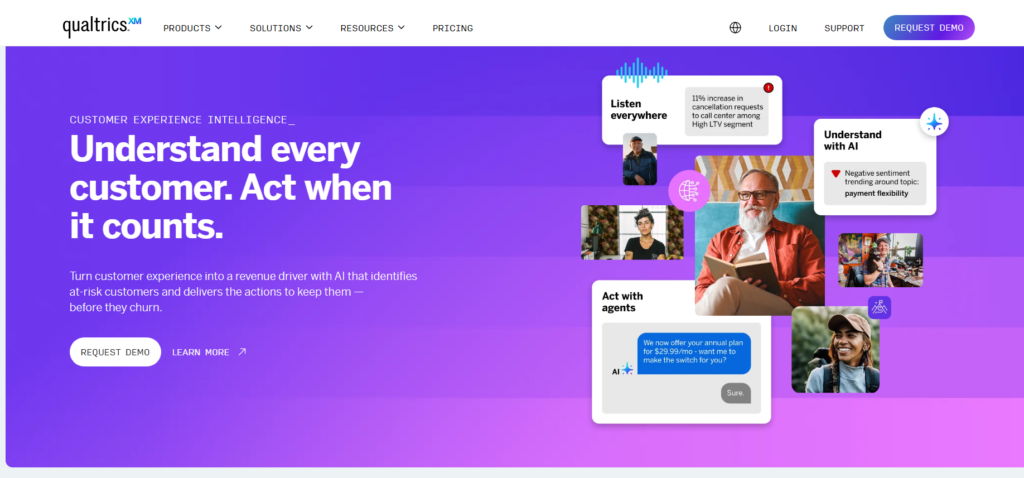
Qualtrics is used by large organisations that need structured in-app feedback at scale, with strong controls around targeting, reporting, and governance.
Summary
Qualtrics is built for teams that require advanced survey logic and enterprise controls rather than lightweight feedback widgets. It is commonly used when in-app feedback must align with broader customer experience programmes, research standards, or compliance requirements.
Among enterprise-focused in-app feedback platforms, Qualtrics is often selected for its depth rather than speed of deployment.
Key Features
Qualtrics focuses on structured feedback collection and advanced analysis. Its features are designed for organisations that treat feedback as formal research rather than ad hoc input.
Advanced In-App Surveys
Qualtrics supports complex survey logic, including branching, conditional questions, and scoring models. This allows teams to collect detailed feedback inside applications without oversimplifying questions.
Behaviour and Segment Targeting
Surveys can be triggered based on user attributes, actions, or account-level data. This keeps feedback is collected from the right users rather than broad audiences.
Sentiment and Text Analysis
Open-text responses can be analysed using built-in text categorisation and sentiment scoring. This helps teams summarise large volumes of feedback without manual tagging.
Enterprise Reporting Dashboards
Qualtrics provides configurable dashboards for different stakeholders. Product teams, executives, and research teams can each view feedback through role-specific lenses.
Integrations With Enterprise Systems
Qualtrics integrates with CRM systems, data warehouses, and internal reporting tools, allowing in-app feedback to feed into wider experience and research programmes.
Pros & Cons
| Pros | Cons |
| Advanced survey logic | Higher cost |
| Enterprise controls | Longer setup |
| Strong analytics | Heavy for small teams |
Pricing
Qualtrics pricing is offered on a custom basis, depending on survey volume, features, and organisational requirements. Free trials are typically available through sales-led onboarding.
Best For Large Teams Running Structured Feedback Programmes
Qualtrics suits organisations that require formal feedback processes and detailed reporting.
- Research teams – structured survey design
- Enterprise product teams – governance controls
- CX leaders – cross-channel feedback
Verdict: If your organisation treats in-app feedback as formal research, Qualtrics provides depth that lighter platforms do not.
Practical Tip
Use shorter in-app surveys with Qualtrics and reserve longer questionnaires for invited user segments to avoid response fatigue.
Best Alternative Tool
Survicate for teams that want structured surveys without enterprise-level complexity.
6. Usersnap
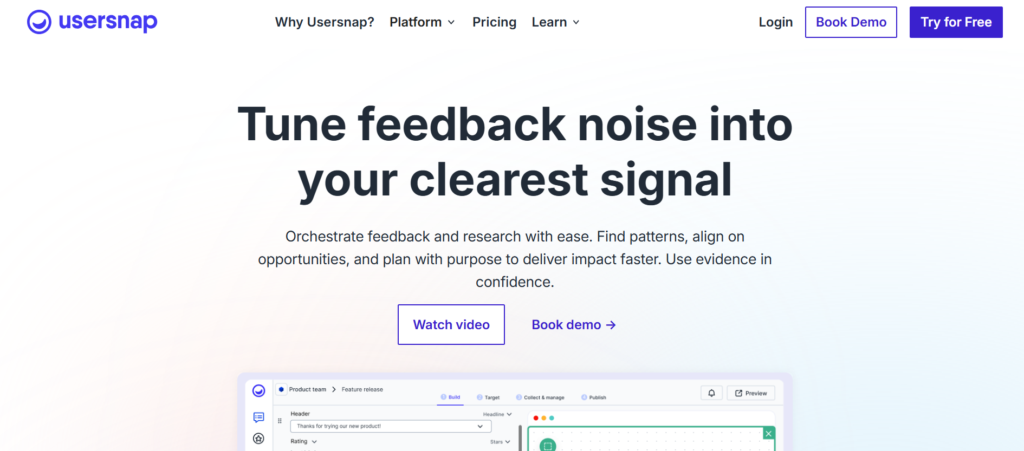
Usersnap is used by product, QA, and support teams that want clear, visual feedback directly from users without lengthy explanations.
Summary
Usersnap focuses on capturing visual context alongside written feedback. Instead of relying on text descriptions alone, users can submit annotated screenshots directly from inside the product, making issues easier to understand and reproduce.
Among in-app feedback platforms, Usersnap is commonly chosen when clarity and speed matter more than long survey responses.
Key Features
Usersnap’s feature set is built around removing ambiguity from feedback. By capturing visual evidence and technical metadata, teams can act on issues without follow-up emails or clarification calls.
Screenshot-Based Feedback
Users can capture screenshots directly within the app and annotate them before submitting feedback. This helps teams see exactly what the user saw at the time of the issue.
Automatic Technical Metadata
Each feedback submission includes browser details, screen resolution, operating system, and URL data. This saves developers time during investigation.
In-App Feedback Widgets
Usersnap widgets can be embedded into web applications to collect feedback without redirecting users elsewhere. Widgets can be triggered manually or automatically.
Feedback Categorisation
Incoming feedback can be tagged and categorised by type, such as bug, usability issue, or feature request. This keeps backlogs organised and actionable.
Integrations With Issue Trackers
Usersnap integrates with tools like Jira, GitHub, and Trello, allowing feedback to flow directly into development workflows.
Pros & Cons
| Pros | Cons |
| Visual clarity | Web-focused |
| Easy for users | Limited survey depth |
| Developer-friendly | Styling flexibility varies |
Pricing
Usersnap pricing starts with paid plans based on usage and feature access. A free trial is available to test in-app feedback collection before upgrading.
Best For Teams That Need Clear Bug Reports
Usersnap fits teams that prioritise fast issue reproduction over long-form feedback.
- QA teams – fewer unclear bug reports
- Product managers – visual context
- Developers – reduced back-and-forth
Verdict: If your team struggles with vague bug reports, Usersnap brings clarity through visual feedback.
Practical Tip
Encourage users to submit feedback directly from error states to capture the most useful screenshots and metadata.
Best Alternative Tool
Instabug for mobile-first teams that need similar visual feedback with mobile SDK support.
7. Canny
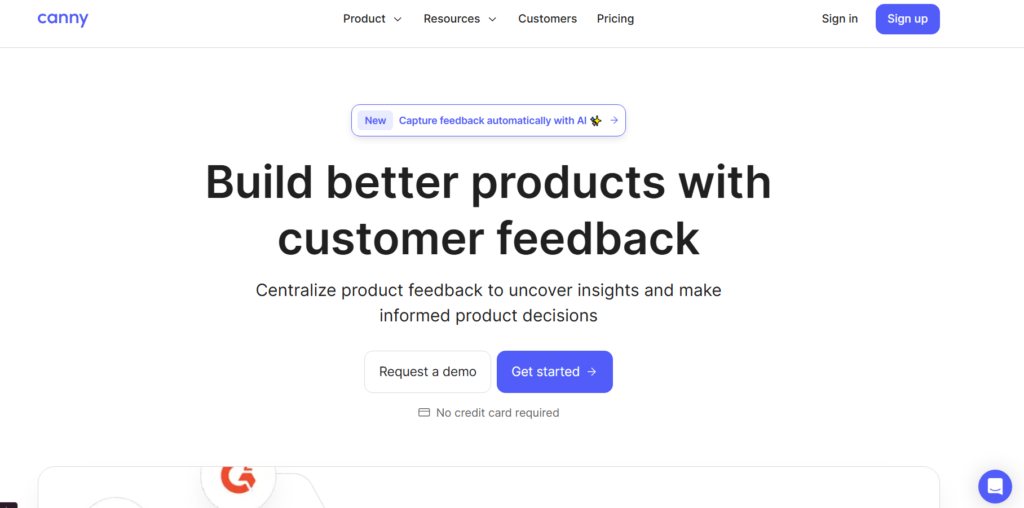
Canny is used by SaaS and product-led teams that want a clear system for collecting, organising, and prioritising feature requests directly from users.
Summary
Canny focuses on turning user feedback into an organised feature. Instead of scattered requests across emails and support tickets, teams collect in-app feedback in one place where users can submit ideas and vote on existing requests.
Among in-app feedback platforms, Canny is often chosen when feature prioritisation is the main goal rather than bug reporting or UX analysis.
Key Features
Canny’s features centre on transparency and prioritisation. Feedback is structured in a way that helps product teams decide what to build next based on demand rather than volume of noise.
In-App Feature Request Boards
Users can submit feature requests directly from inside the product. Requests appear on a shared board where other users can view and vote, reducing duplicate submissions.
Voting and Demand Tracking
Each feature request includes a vote count. This gives product teams a clear signal of demand and helps justify roadmap decisions internally.
Status Updates
Teams can update request statuses such as planned, in progress, or released. Users receive updates automatically, which reduces repeated follow-ups.
User Segmentation
Feedback can be filtered by customer type, plan level, or account size. This helps teams separate high-impact requests from low-priority noise.
Integrations With Product Tools
Canny integrates with tools like Jira, Slack, and customer support platforms, allowing feature requests to feed into existing workflows.
Pros & Cons
| Pros | Cons |
| Clear feature prioritisation | Not for bug tracking |
| Reduces duplicate requests | Limited survey options |
| User transparency | Styling control limited |
Pricing
Canny pricing is subscription-based, with tiers depending on feature access and branding options. A free trial is available for evaluation.
Best For Teams Managing Feature Roadmaps
Canny suits teams that want a structured way to decide what to build next.
- Product managers – demand visibility
- SaaS founders – roadmap clarity
- Support teams – fewer repeated requests
Verdict: If feature requests drive your product roadmap, Canny keeps feedback organised and visible.
Practical Tip
Link Canny boards directly from your in-app menu so users submit requests in one place instead of contacting support.
Best Alternative Tool
UserVoice for teams that want similar feature request management with enterprise-level controls.
8. Survicate
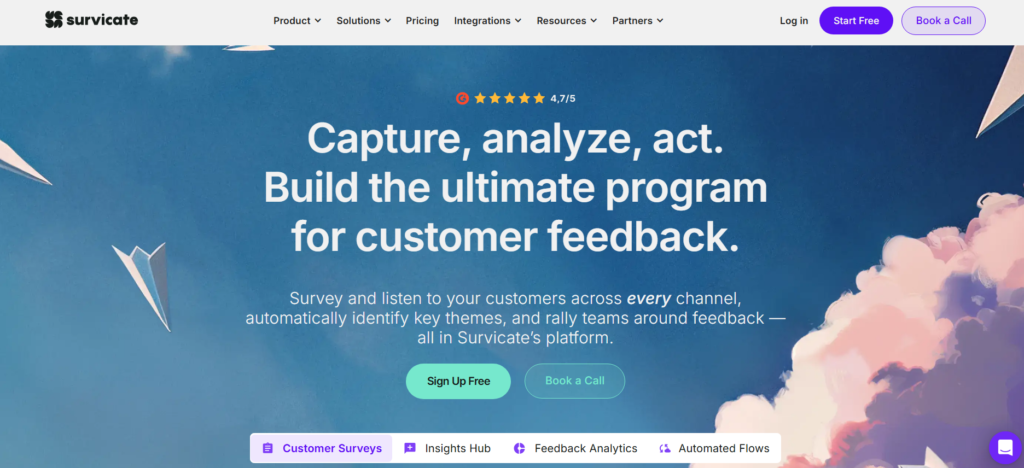
Survicate is used by product and customer teams that want short, targeted surveys inside web and mobile applications without overwhelming users.
Summary
Survicate focuses on lightweight in-app feedback that fits naturally into the user experience. Teams use it to collect quick opinions, satisfaction scores, and qualitative responses while users are actively engaging with the product.
Among in-app feedback platforms, Survicate is often selected when speed of setup and survey flexibility matter more than advanced analytics.
Key Features
Survicate’s features are designed for collecting frequent feedback in small doses. This approach helps teams maintain a steady flow of user input without causing survey fatigue.
In-App Micro Surveys
Survicate supports short surveys that appear inside the product at specific moments. These surveys are designed to be completed quickly, which increases response rates.
Behaviour and Page Targeting
Feedback can be triggered based on visited pages, actions taken, or time spent in the app. This keeps questions relevant to the user’s recent experience.
Multiple Question Types
Teams can use rating scales, open-text fields, multiple choice questions, and NPS-style scoring. This allows both quantitative and qualitative feedback collection.
User and Account Attributes
Surveys can be targeted using user attributes such as role, plan, or account status. This helps teams avoid mixing feedback from very different user groups.
Integrations With Analytics Tools
Survicate integrates with analytics and customer tools, allowing feedback responses to be linked with user behaviour and account data.
Pros & Cons
| Pros | Cons |
| Fast survey setup | Limited visual context |
| Works on web and mobile | Not built for bug reports |
| Flexible targeting | Reporting depth varies |
Pricing
Survicate pricing is based on survey volume and feature access. Paid plans are available alongside trial options for testing in-app feedback flows.
Best For Teams Running Ongoing Feedback Cycles
Survicate suits teams that want regular feedback without heavy setup.
- Product managers – quick sentiment checks
- Customer success teams – ongoing satisfaction input
- Increase teams – feedback after key actions
Verdict: If you need frequent, low-friction in-app surveys, Survicate fits well into continuous feedback workflows.
Practical Tip
Rotate short surveys across different user segments to maintain response quality over time.
Best Alternative Tool
Qualaroo for teams that want more advanced targeting logic for in-app surveys
9. Mopinion
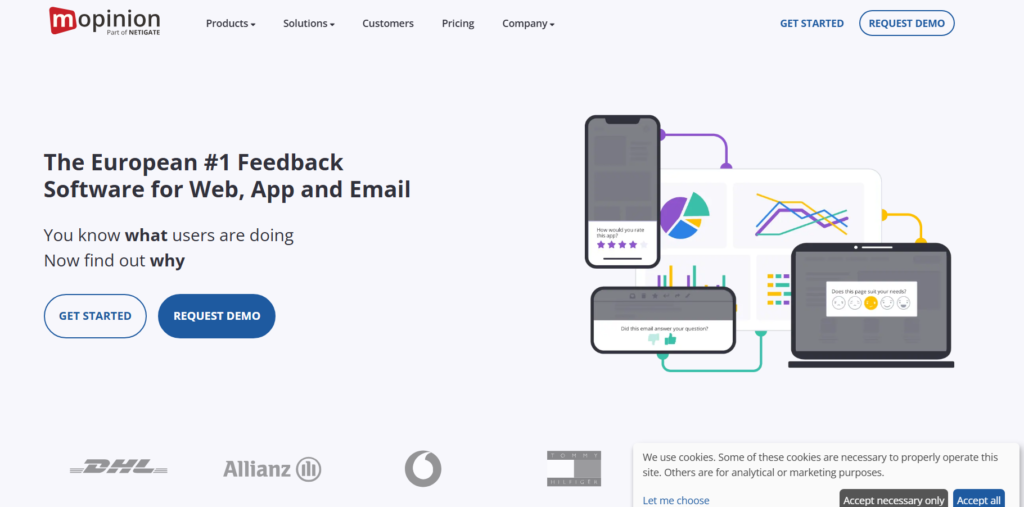
Mopinion is used by product and UX teams that want structured feedback across complex digital journeys such as SaaS platforms, portals, and multi-step flows.
Summary
Mopinion focuses on capturing in-app feedback at specific touchpoints within digital products. Teams use it to understand where users experience friction during onboarding, checkout, or feature-heavy workflows.
Among in-app feedback platforms, Mopinion is often chosen when products have multiple user paths and detailed journey analysis is required.
Key Features
Mopinion’s features are built around collecting feedback at precise moments during the user journey. This allows teams to link feedback to exact screens and actions rather than broad experiences.
Journey-Based Feedback Forms
Feedback forms can be triggered at specific steps within a flow, such as onboarding completion or form abandonment. This helps teams identify friction points with greater accuracy.
Open and Closed Question Types
Mopinion supports both open-text feedback and structured questions. This allows teams to gather qualitative explanations alongside measurable response data.
Multi-Language Support
Feedback forms can be displayed in multiple languages based on user preferences. This supports global products without duplicating surveys.
Feedback Categorisation and Tagging
Incoming responses can be tagged by theme, issue type, or journey stage. This keeps feedback organised and easier to prioritise.
Reporting and Export Options
Teams can review feedback in dashboards or export data for further analysis in external reporting tools.
Pros & Cons
| Pros | Cons |
| Strong journey focus | Setup takes planning |
| Flexible form logic | Interface learning curve |
| Multi-language support | Pricing not entry-level |
Pricing
Mopinion pricing is subscription-based and varies by traffic volume and feature access. Trial access is typically available on request.
Best For Teams Managing Complex User Journeys
Mopinion suits teams that want feedback tied to specific paths rather than general impressions.
- UX teams – journey-level insight
- Product managers – pinpoint friction
- Digital teams – structured feedback flows
Verdict: For products with complex flows, Mopinion provides in-app feedback with strong journey context.
Practical Tip
Trigger feedback after users exit key flows to capture reasons for drop-off while the experience is still fresh.
Best Alternative Tool
Hotjar for teams that prefer visual behaviour signals alongside feedback.
10. Feedier
Feedier is used by product and customer teams that want guided feedback collection rather than open-ended forms.
Summary
Feedier focuses on structured feedback experiences where users are guided through short steps instead of being presented with long surveys. This approach helps teams collect more complete responses without overwhelming users inside the app.
Among in-app feedback platforms, Feedier is often chosen when teams want higher completion rates and more controlled feedback flows.
Key Features
Feedier’s features are designed around guided interactions. Feedback is collected through step-based journeys that keep users engaged while still delivering structured responses.
Guided Feedback Flows
Users answer feedback questions in short steps rather than a single long form. This reduces abandonment and keeps responses focused on specific topics.
Conditional Question Logic
Questions can change based on previous responses. This allows teams to collect deeper feedback only when relevant, without showing unnecessary questions.
Incentive-Based Feedback
Feedier supports optional rewards such as points or entries, encouraging users to complete feedback flows without pressuring them.
Feedback Categorisation
Responses are automatically grouped by themes, making it easier for teams to identify recurring issues and patterns.
Reporting Dashboards
Teams can review feedback through visual dashboards that summarise responses across journeys, time periods, and user segments.
Pros & Cons
| Pros | Cons |
| Higher completion rates | Setup takes planning |
| Structured feedback | Less flexible styling |
| Guided experience | Not ideal for bugs |
Pricing
Feedier pricing is subscription-based and varies depending on feedback volume and feature access. Trial access is available for evaluation.
Best For Teams Wanting Structured Feedback
Feedier suits teams that want controlled feedback experiences rather than free-form comments.
- Product teams – focused feedback
- CX teams – guided responses
- SaaS teams – better completion
Verdict: If long surveys underperform in your product, Feedier provides a more structured way to collect in-app feedback.
Practical Tip
Use Feedier journeys after onboarding milestones to capture structured feedback without interrupting early usage.
Best Alternative Tool
Survicate for teams that prefer quicker, single-question in-app surveys.
11. UserVoice
UserVoice is used by product teams that want a formal system for collecting, prioritising, and acting on user feedback inside their applications.
Summary
UserVoice focuses on turning in-app feedback into product decisions that can be justified across teams. It is commonly used where product roadmaps need clear evidence from users rather than informal input scattered across channels.
Among in-app feedback platforms, UserVoice is often chosen by organisations that require governance, prioritisation frameworks, and executive-level reporting.
Key Features
UserVoice’s features are built around structure and traceability. Feedback is collected in a way that supports prioritisation, internal alignment, and long-term planning.
In-App Feedback Portals
Users can submit feedback directly inside the product through embedded portals. Submissions are visible to other users, reducing duplicate requests.
Voting and Impact Scoring
Each feedback item can be voted on and scored based on customer value, revenue impact, or strategic importance. This helps teams justify roadmap decisions.
Roadmap Communication
Product teams can share status updates on submitted feedback. Users are notified when ideas move into planning or release stages.
User and Account Segmentation
Feedback can be filtered by account size, plan type, or industry. This keeps high-value customer input visible during prioritisation.
Integrations With Product and Support Tools
UserVoice integrates with tools like Jira, Salesforce, and support platforms, keeping feedback aligned with internal workflows.
Pros & Cons
| Pros | Cons |
| Strong prioritisation tools | Higher cost |
| Clear roadmap visibility | Setup takes time |
| Enterprise-ready | Heavy for small teams |
Pricing
UserVoice pricing is subscription-based and typically aimed at mid-sized to large organisations. Trial access is available through sales-led onboarding.
Best For Teams Managing Complex Product Roadmaps
UserVoice suits teams that need structure around feedback-driven decisions.
- Product leaders – prioritisation clarity
- SaaS teams – roadmap justification
- Enterprise teams – governance needs
Verdict: If your roadmap depends on defensible feedback signals, UserVoice provides the structure to support product decisions.
Practical Tip
Link feedback items to roadmap themes to group related requests and avoid decision paralysis.
Best Alternative Tool
Canny for teams that want lighter-weight feature request management.
12. Apptentive

Apptentive is designed for mobile app teams that want ongoing in-app feedback combined with user communication and engagement tools.
Summary
Apptentive focuses on capturing feedback inside mobile applications while maintaining ongoing conversations with users. Rather than collecting one-off responses, it allows teams to understand sentiment over time through repeated interactions.
Among mobile-focused in-app feedback platforms, Apptentive is often used by teams that care about long-term user relationships rather than single survey responses.
Key Features
Apptentive’s features centre on continuous feedback collection and user communication within mobile apps. Feedback is treated as an ongoing dialogue rather than a standalone event.
In-App Surveys and Prompts
Teams can trigger surveys and questions based on app usage, session count, or user actions. This allows feedback to be collected at relevant moments rather than randomly.
Two-Way User Messaging
Apptentive supports direct in-app messaging between users and product teams. This helps clarify feedback without switching to external support channels.
Behaviour-Based Targeting
Feedback prompts can be targeted using behavioural data such as feature usage or time spent in the app. This keeps questions relevant to experienced users.
Feedback History Tracking
All interactions with a user are stored in a single timeline. Teams can review past feedback and conversations to understand sentiment changes over time.
Integrations With Mobile Workflows
Apptentive integrates with mobile development and support tools, allowing feedback to flow into existing processes.
Pros & Cons
| Pros | Cons |
| Strong mobile focus | Not web-first |
| Ongoing user dialogue | Setup requires planning |
| Behaviour targeting | Pricing not entry-level |
Pricing
Apptentive pricing is based on monthly active users and feature access. Plans are offered through a sales-led model, with trial options available.
Best For Mobile Apps Needing Ongoing User Dialogue
Apptentive suits teams that want feedback collected continuously rather than through isolated surveys.
- Mobile product teams – long-term insight
- Customer teams – direct user conversations
- App publishers – sentiment tracking
Verdict: For mobile apps that rely on repeat usage, Apptentive supports feedback as an ongoing conversation.
Practical Tip
Trigger feedback prompts only after users have completed several sessions to avoid collecting opinions based on first impressions.
Best Alternative Tool
Instabug for teams that prioritise bug reporting over user messaging.
13. Instafeedback
Instafeedback is designed for teams that want a straightforward way to collect in-app feedback without complex setup or long configuration cycles.
Summary
Instafeedback focuses on simplicity. It allows teams to add basic feedback widgets inside their applications to collect comments, ratings, and short responses without heavy targeting logic or advanced analytics.
Among in-app feedback platforms, Instafeedback is often chosen by small teams or early-stage products that need quick feedback without operational overhead.
Key Features
Instafeedback’s features prioritise ease of use over depth. Feedback is collected quickly and stored centrally, making it suitable for teams that want clarity without complexity.
Simple In-App Feedback Widgets
Teams can embed feedback buttons or widgets inside their product with minimal setup. Users can leave comments without navigating away from the app.
Rating and Comment Collection
Instafeedback supports basic ratings and open-text feedback. This allows teams to capture sentiment alongside short explanations.
Central Feedback Inbox
All feedback is collected in a single inbox where teams can review, filter, and respond without switching tools.
Lightweight Setup
Implementation requires minimal technical effort, making it suitable for teams without dedicated engineering support.
Email Notifications
Teams receive notifications when new feedback is submitted, ensuring issues are not missed.
Pros & Cons
| Pros | Cons |
| Very easy setup | Limited targeting |
| Low learning curve | No advanced analytics |
| Suitable for small teams | Basic feature set |
Pricing
Instafeedback pricing is positioned at the lower end of the market, with affordable paid plans and trial access available.
Best For Small Teams Needing Quick Feedback
Instafeedback works well for teams that want immediate user input without configuration overhead.
- Early-stage SaaS teams – fast setup
- Small product teams – basic feedback
- Internal tools – quick sentiment checks
Verdict: If simplicity matters more than depth, Instafeedback delivers no-friction in-app feedback.
Practical Tip
Place feedback widgets on high-traffic screens to collect steady input without interrupting users.
Best Alternative Tool
Survicate for teams that want lightweight surveys with more targeting options.
14. Refiner
Refiner is used by SaaS teams that want targeted in-app feedback tied closely to user attributes and lifecycle stages.
Summary
Refiner focuses on collecting in-app feedback that is highly targeted and segment-aware. Instead of broad surveys, teams use it to ask specific questions to specific users based on behaviour, plan level, or lifecycle stage.
Among in-app feedback platforms, Refiner is often chosen by SaaS businesses that want precise feedback without enterprise-level complexity.
Key Features
Refiner’s features are built around relevance and control. Feedback is shown only to users who match defined criteria, which improves response quality and reduces noise.
Targeted In-App Surveys
Surveys can be triggered based on user properties, events, or lifecycle stages. This keeps feedback is collected from users who have enough experience to provide meaningful input.
Multiple Survey Formats
Refiner supports NPS-style questions, ratings, multiple choice, and open-text responses. This allows teams to mix quantitative and qualitative feedback.
User Attribute Syncing
User data such as plan type, role, or usage metrics can be synced from external systems. This keeps segmentation accurate without manual updates.
Feedback Analysis Dashboard
Responses are grouped and displayed in dashboards that highlight trends over time. Teams can filter feedback by segment or survey.
Integrations With SaaS Tools
Refiner integrates with CRM systems, analytics tools, and support platforms, keeping feedback connected to existing workflows.
Pros & Cons
| Pros | Cons |
| Strong targeting | SaaS-focused only |
| Clean interface | No bug reporting |
| Flexible surveys | Limited visual context |
Pricing
Refiner pricing is subscription-based and varies depending on user volume and feature access. Trial access is available for testing in-app feedback flows.
Best For SaaS Teams Needing Targeted Feedback
Refiner suits teams that want feedback from specific user segments rather than broad audiences.
- Product managers – segment-level insight
- Increase teams – lifecycle feedback
- Customer teams – targeted surveys
Verdict: If precise targeting matters more than volume, Refiner provides focused in-app feedback without unnecessary complexity.
Practical Tip
Use Refiner surveys only after users complete key milestones to avoid feedback based on partial experiences.
Best Alternative Tool
Survicate for teams that want similar survey flexibility with simpler setup.
15. GetFeedback
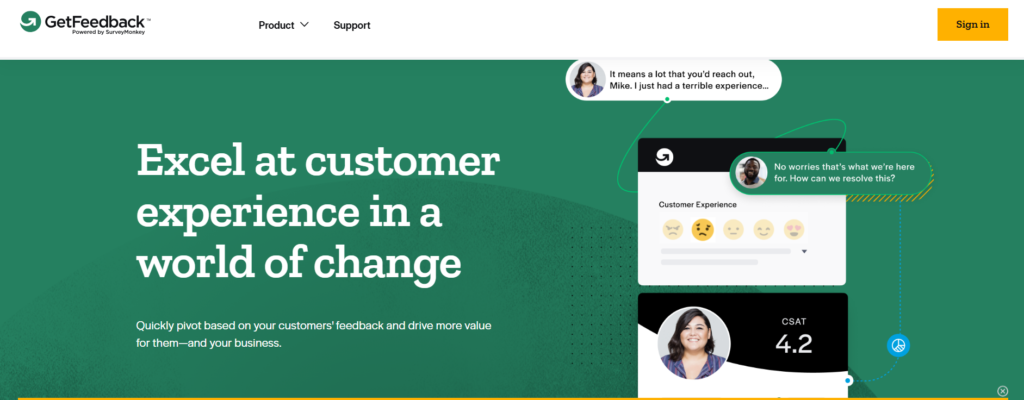
GetFeedback is used by product and CX teams that want in-app feedback tightly connected to customer experience programmes and CRM data.
Summary
GetFeedback focuses on collecting structured in-app feedback that feeds directly into customer experience workflows. It is commonly used by teams that already rely on customer data platforms and want feedback linked to known users and accounts.
Among in-app feedback platforms, GetFeedback is often selected when feedback must connect cleanly with CRM systems rather than exist in isolation.
Key Features
GetFeedback’s features are designed to connect in-app feedback with customer records and experience tracking. This allows teams to treat feedback as part of a wider CX operation rather than a standalone activity.
In-App Surveys Linked to User Data
Surveys can be displayed inside applications and tied directly to known users. This helps teams understand feedback in the context of account history and previous interactions.
Custom Survey Design
Teams can design surveys that match the product interface, ensuring feedback prompts feel consistent with the rest of the app experience.
Real-Time Response Alerts
Feedback responses can trigger alerts for customer teams, allowing quick follow-up when users report issues or dissatisfaction.
CRM Integration
GetFeedback integrates with CRM platforms, allowing survey responses to appear directly on customer records. This supports coordinated responses across teams.
Reporting and Trend Analysis
Dashboards show response trends over time, helping teams track changes in sentiment and experience quality.
Pros & Cons
| Pros | Cons |
| Strong CRM integration | Survey-focused only |
| Clean reporting | Limited bug tracking |
| CX team friendly | Less flexible targeting |
Pricing
GetFeedback pricing is subscription-based and varies by survey volume and feature access. Trial access is available for evaluation.
Best For Teams Running CX Programmes
GetFeedback suits organisations where in-app feedback feeds into wider customer experience efforts.
- CX teams – linked customer records
- Product teams – structured sentiment data
- Account teams – faster follow-up
Verdict: If your feedback strategy depends on CRM-connected data, GetFeedback fits neatly into CX-led workflows.
Practical Tip
Use GetFeedback surveys after support interactions to connect in-app feedback with service quality metrics.
Best Alternative Tool
Qualtrics for teams that need deeper survey logic and enterprise reporting.
16. Zonka Feedback
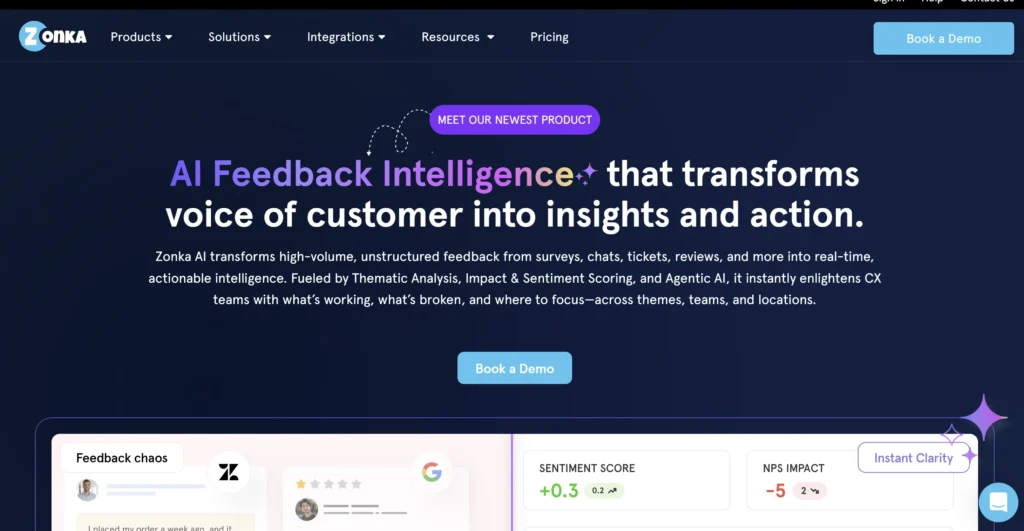
Zonka Feedback is used by product and CX teams that want in-app feedback connected to experience scoring and customer journey monitoring.
Summary
Zonka Feedback focuses on collecting in-app feedback while tracking experience metrics across multiple touchpoints. Teams use it to understand satisfaction trends, identify friction points, and follow up with users based on feedback scores.
Among in-app feedback platforms, Zonka Feedback is often chosen when teams want feedback tied to experience measurement rather than standalone comments.
Key Features
Zonka Feedback’s features centre on linking in-app feedback with experience tracking. Feedback data is structured to support analysis across users, journeys, and time periods.
In-App Feedback Forms
Teams can deploy feedback forms inside applications to collect ratings, comments, and satisfaction scores without redirecting users.
Experience Scoring
Feedback responses can be scored to measure satisfaction and experience quality. This helps teams track changes over time rather than relying on isolated responses.
Workflow-Based Alerts
Negative feedback can trigger alerts and workflows for customer or product teams. This allows faster follow-up on reported issues.
Multi-Channel Feedback Support
While focused on in-app feedback, Zonka Feedback also supports input from other channels, keeping experience data consolidated.
Reporting Dashboards
Dashboards display feedback trends by score, segment, and time period. Teams can review patterns without exporting data.
Pros & Cons
| Pros | Cons |
| Experience scoring | Interface learning curve |
| Workflow alerts | Less focus on bugs |
| Multi-channel support | Setup requires planning |
Pricing
Zonka Feedback pricing is subscription-based and depends on feedback volume and feature access. Trial access is available.
Best For Teams Tracking Experience Over Time
Zonka Feedback suits teams that want feedback connected to measurable experience trends.
- CX teams – satisfaction tracking
- Product teams – issue follow-up
- Support teams – alert-driven workflows
Verdict: If experience scores matter as much as comments, Zonka Feedback provides structured in-app feedback with tracking.
Practical Tip
Set alerts only for low experience scores to avoid overwhelming teams with notifications.
Best Alternative Tool
GetFeedback for teams that prioritise CRM-linked feedback workflows.
17. ClickUp Forms
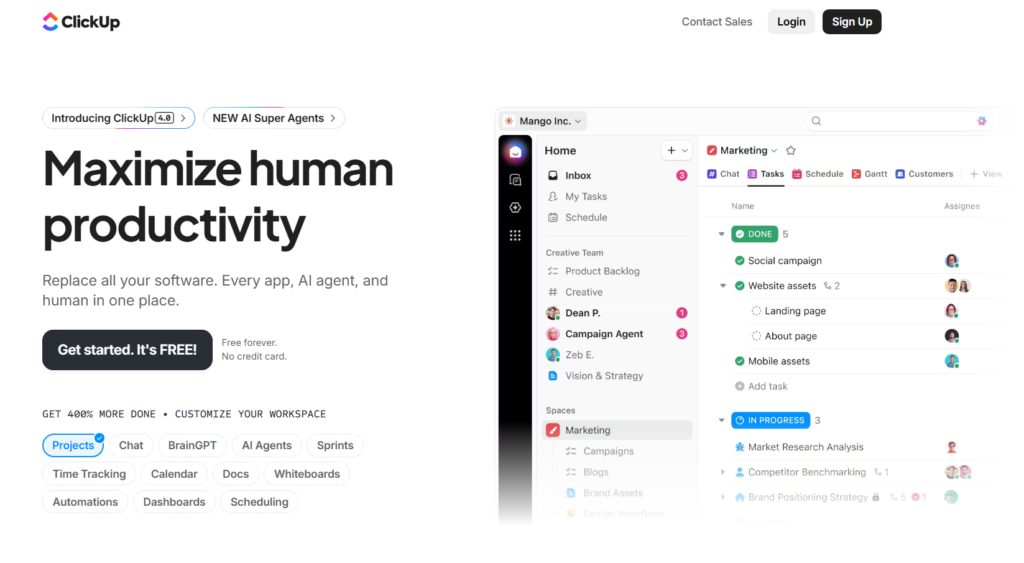
ClickUp Forms are used by teams that want in-app feedback to flow directly into task management and internal workflows.
Summary
ClickUp Forms allow teams to collect feedback inside products or internal tools and automatically convert responses into actionable tasks. Rather than treating feedback as separate data, it becomes part of the execution workflow.
Among in-app feedback platforms, ClickUp Forms are often chosen when feedback needs to be acted on quickly by cross-functional teams.
Key Features
ClickUp Forms focus on operational efficiency. Feedback submissions are structured to trigger tasks, assignments, and follow-ups without manual triage.
Custom In-App Forms
Teams can build forms with custom fields to capture structured feedback. Forms can be embedded into products or internal systems.
Automatic Task Creation
Each submission can generate a task with predefined assignees, priorities, and statuses. This keeps feedback moves directly into action.
Conditional Logic
Form fields can appear based on previous responses, keeping feedback concise while still collecting necessary detail.
Field Mapping and Automation
Responses can be mapped to task fields such as tags, priorities, or custom attributes. This supports consistent handling of incoming feedback.
Centralised Feedback Tracking
All submissions are visible inside ClickUp, allowing teams to track progress from feedback to resolution.
Pros & Cons
| Pros | Cons |
| Feedback becomes tasks | Not purpose-built for users |
| Strong automation | Limited survey depth |
| Internal alignment | Styling is basic |
Pricing
ClickUp offers a free plan with form functionality included. Paid plans add automation, reporting, and advanced permissions.
Best For Teams That Act on Feedback Fast
ClickUp Forms suit teams that want feedback tied directly to delivery.
- Product teams – action-ready input
- Internal tools – structured requests
- Operations teams – workflow clarity
Verdict: If feedback must translate into tasks immediately, ClickUp Forms provide a direct path from input to action.
Practical Tip
Use required fields sparingly to avoid reducing completion rates for in-app feedback forms.
Best Alternative Tool
Usersnap for teams that need visual context alongside actionable feedback.
18. Typeform

Typeform is used by product and increase teams that want in-app feedback delivered through simple, conversational forms that feel less intrusive to users.
Summary
Typeform focuses on form-based feedback that feels natural rather than transactional. While it is not built solely for in-app feedback, many teams embed Typeform surveys directly into applications to collect opinions, ratings, and short responses at key moments.
Among in-app feedback platforms, Typeform is often chosen when user experience and response completion matter more than advanced targeting logic.
Key Features
Typeform’s features centre on presentation and simplicity. Feedback is collected through clean, single-question flows that reduce friction and encourage completion.
Conversational Form Design
Questions are shown one at a time, keeping users focused. This format often results in higher completion compared to long, static forms.
Embeddable In-App Forms
Forms can be embedded directly into web applications, modals, or onboarding screens. This allows feedback collection without sending users elsewhere.
Multiple Question Types
Typeform supports ratings, multiple choice questions, short answers, and longer text responses. Teams can collect both structured and open-ended feedback.
Logic-Based Question Flow
Questions can change based on previous answers, allowing teams to gather deeper feedback only when relevant.
Integrations With Product Tools
Typeform integrates with analytics, CRM, and automation tools, enabling feedback responses to connect with existing workflows.
Pros & Cons
| Pros | Cons |
| High completion rates | Limited in-app targeting |
| Clean user experience | Not feedback-specific |
| Easy embedding | No bug reporting |
Pricing
Typeform offers a free plan with usage limits. Paid plans increase response volume, logic options, and integration access.
Best For Teams Prioritising User Experience
Typeform suits teams that want feedback forms users are more likely to complete.
- Product teams – simple feedback flows
- Increase teams – onboarding questions
- Marketing teams – embedded surveys
Verdict: If completion rates matter more than deep targeting, Typeform works well for in-app feedback collection.
Practical Tip
Keep in-app Typeform surveys under five questions to maintain strong completion rates.
Best Alternative Tool
Survicate for teams that want in-app surveys with stronger behavioural targeting.
19. SurveyMonkey
SurveyMonkey is used by teams that want a familiar survey tool embedded inside applications to collect structured feedback at scale.
Summary
SurveyMonkey is widely known for survey creation, and many product teams embed its surveys directly into apps to collect in-app feedback. While it is not purpose-built for product feedback, its flexibility makes it useful for standardised questionnaires and recurring feedback programmes.
Among in-app feedback platforms, SurveyMonkey is often chosen when teams already rely on it for surveys across the organisation.
Key Features
SurveyMonkey’s features focus on survey depth and flexibility. Feedback is collected through well-established survey mechanics rather than behaviour-driven prompts.
Embedded In-App Surveys
Surveys can be embedded inside web applications using links or frames. This allows feedback collection without redirecting users to separate pages.
Wide Range of Question Types
Teams can use ratings, matrices, open-text fields, and multiple choice questions. This supports both quantitative scoring and qualitative insight.
Survey Logic and Branching
Questions can change based on responses, allowing more detailed feedback without showing unnecessary questions to every user.
Response Analysis Tools
SurveyMonkey provides built-in charts and filters to analyse responses by question, segment, or time period.
Integrations With Business Tools
Survey data can be connected to CRM and analytics tools, keeping feedback aligned with broader reporting workflows.
Pros & Cons
| Pros | Cons |
| Familiar platform | Limited in-app targeting |
| Strong survey depth | Not product-focused |
| Scales well | No bug context |
Pricing
SurveyMonkey offers a free plan with response limits. Paid plans increase survey logic, export options, and response capacity.
Best For Teams Running Standardised Surveys
SurveyMonkey suits teams that want consistent survey formats across products and departments.
- Product teams – structured questionnaires
- Research teams – repeatable surveys
- CX teams – trend tracking
Verdict: If your organisation already relies on SurveyMonkey, embedding it can extend surveys into in-app feedback workflows.
Practical Tip
Use shorter surveys for in-app placement and reserve longer questionnaires for follow-up invitations.
Best Alternative Tool
Qualtrics for teams that need more advanced survey logic and enterprise controls.
20. Qualaroo
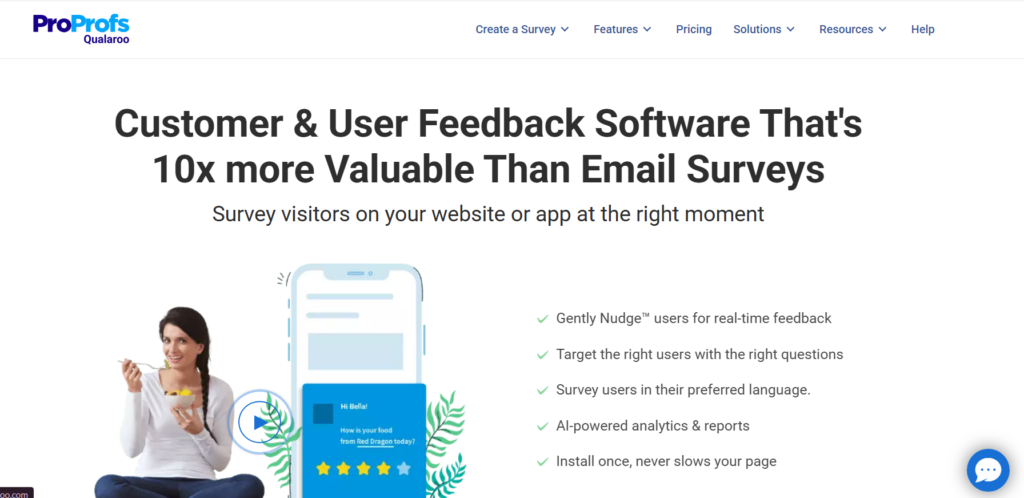
Qualaroo is used by product and UX teams that want highly targeted in-app feedback triggered by user behaviour and page context.
Summary
Qualaroo focuses on asking the right question at the right time. Instead of broad surveys, it uses small in-app prompts that appear based on where users are and what they are doing inside the product.
Among in-app feedback platforms, Qualaroo is often chosen when teams want precise feedback without interrupting the overall user experience.
Key Features
Qualaroo’s features are built around relevance. Feedback prompts are triggered only when specific conditions are met, keeping responses focused and timely.
Behaviour-Based Nudges
Qualaroo allows teams to trigger questions based on actions such as time on page, exit intent, or feature interaction. This keeps feedback reflects real user intent.
Contextual Question Targeting
Questions can be shown on specific pages or flows. This helps teams understand friction tied to exact screens rather than general opinions.
Open-Text and Rating Questions
Qualaroo supports short text responses, yes or no questions, and ratings. This keeps feedback quick to complete while still informative.
User Segmentation Rules
Feedback can be targeted using attributes such as returning users, new users, or traffic source. This helps teams separate feedback by experience level.
Lightweight Reporting
Responses are grouped in dashboards that highlight trends without complex setup. Teams can act on feedback quickly.
Pros & Cons
| Pros | Cons |
| Strong targeting | Limited survey depth |
| Low interruption | Not built for bugs |
| Quick deployment | Reporting is basic |
Pricing
Qualaroo pricing is subscription-based and varies by response volume and targeting options. Trial access is available for evaluation.
Best For Teams Needing Precise In-App Questions
Qualaroo suits teams that want targeted feedback without long surveys.
- UX teams – page-level insight
- Product teams – friction discovery
- Increase teams – exit feedback
Verdict: If timing and relevance matter more than survey length, Qualaroo provides focused in-app feedback without noise.
Practical Tip
Trigger Qualaroo prompts only after users spend meaningful time on a page to avoid shallow responses.
Best Alternative Tool
Survicate for teams that want longer in-app surveys with broader question formats.
Wrap-Up
Choosing the right in-app feedback platform comes down to how your product team works, how quickly you need responses, and how closely feedback needs to tie back to real user behaviour. Some tools focus on bug reporting, others on surveys, feature requests, or experience tracking. The strongest teams pick platforms that fit their product maturity rather than chasing feature-heavy tools they will not fully use.
Across these 20 in-app feedback platforms, the pattern is clear. Feedback performs best when it is timely, contextual, and easy for users to give. When those three conditions are met, product decisions become clearer and user frustration surfaces before churn does.
The key is to choose one platform, deploy it properly, and actually act on what users tell you.
Ready to Get More Value From In-App Feedback?
At Pearl Lemon Experience, we work with SaaS companies and digital product teams to set up in-app feedback systems that fit how products are really used.
We help teams select the right in-app feedback platform, configure targeting rules, and map feedback into product, UX, and delivery workflows. That includes survey design, trigger logic, segmentation setup, and internal reporting structures so feedback does not sit unused in dashboards.
If your team is collecting feedback but struggling to turn it into clear product decisions, or you are unsure which platform fits your product stage, book a call with us. We focus on practical setup, clean data, and feedback systems that teams actually act on.
Frequently Asked Questions
1. What is an in-app feedback platform?
An in-app feedback platform collects user input directly inside a product while users are actively using it.
2. Are in-app feedback platforms better than email surveys?
They usually provide more accurate responses because feedback is collected at the moment of experience.
3. Which in-app feedback platform is best for SaaS?
It depends on whether your priority is onboarding, feature adoption, surveys, or bug reporting.
4. Can in-app feedback reduce churn?
Yes, when feedback highlights friction early and teams act on it quickly.
5. Do in-app feedback tools work for mobile apps?
Some platforms are mobile-first, while others focus mainly on web applications.
6. How many feedback prompts should an app show?
Fewer, well-timed prompts perform better than frequent interruptions.
7. Should feedback be anonymous?
Anonymous feedback can increase honesty, but identified feedback helps with follow-up.
8. How do teams prioritise feedback effectively?
By combining feedback volume with user segment value and product impact.
9. Can feedback tools integrate with product workflows?
Most modern platforms connect with issue trackers, analytics tools, and CRMs.
10. When should a company review its feedback setup?
Whenever product usage patterns change or feedback quality drops.